29
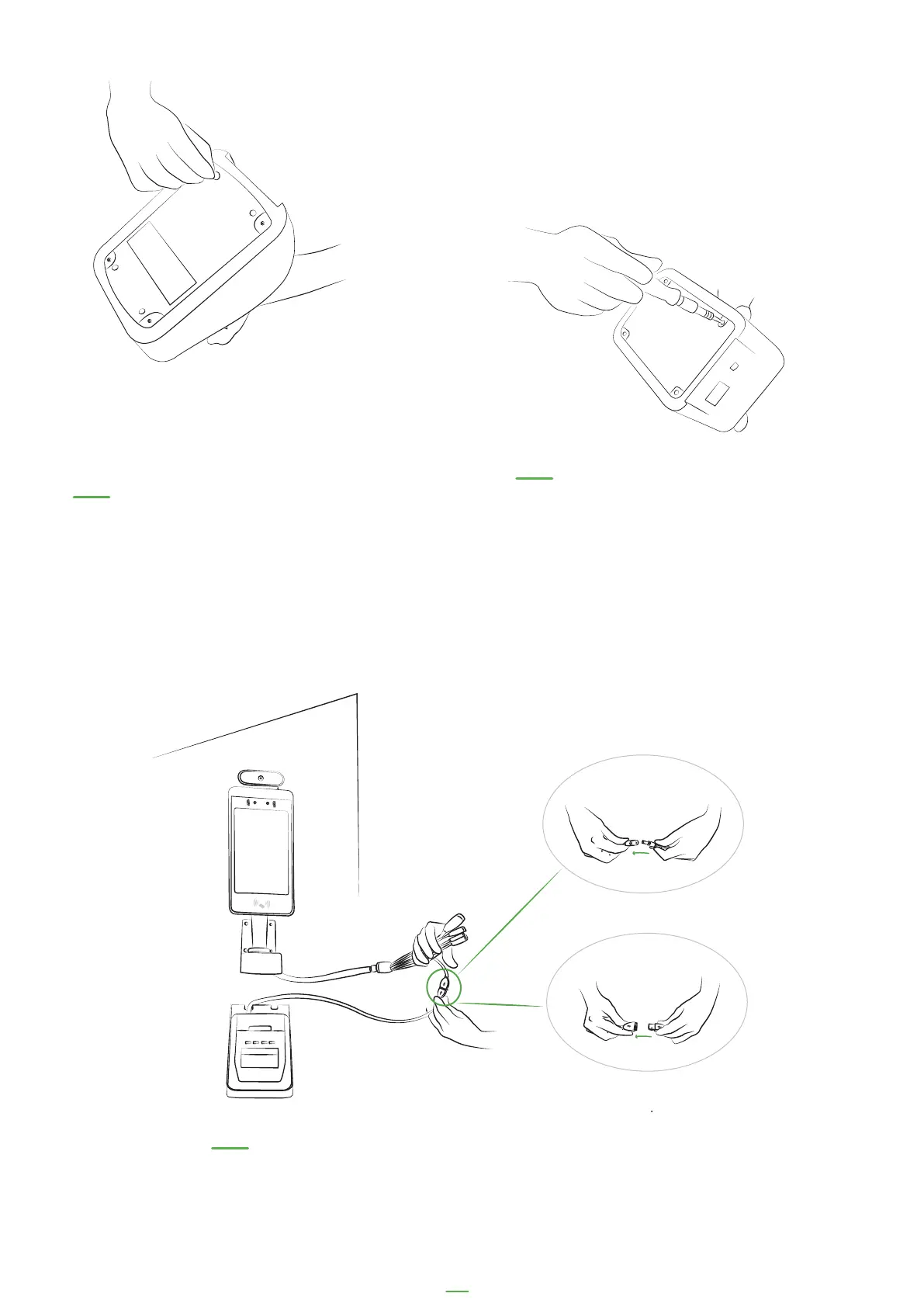
14. Remove the feet on the bottom of
the badge printer. These may be glued
on so may be difficult to remove
15. Remove the screws from
the base plate on the printer
but leave plate in place
07. Connect the badge printer to
the kiosk and power cable



 To Next Page