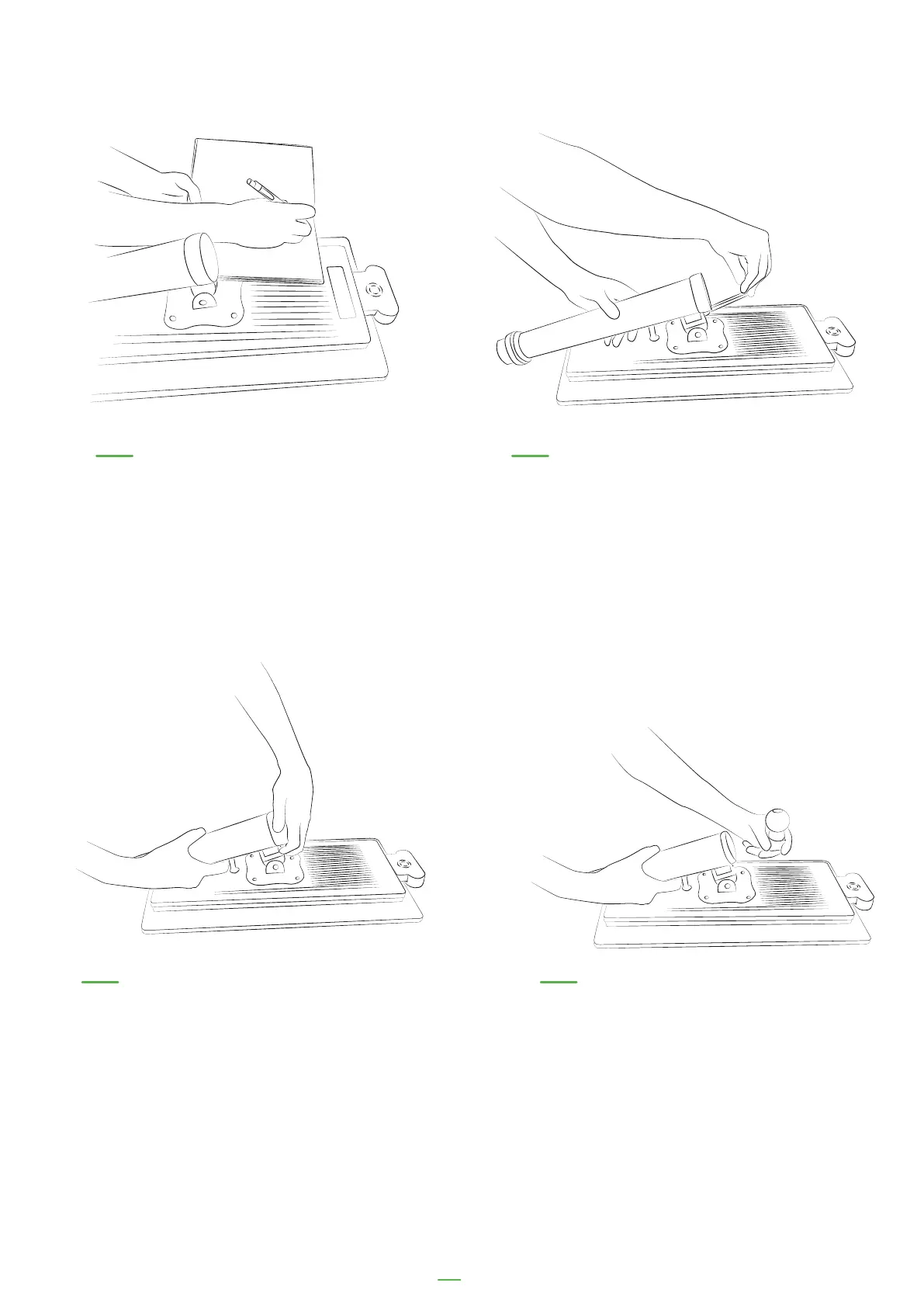
06. Unscrew the top of the pole 07. Remove the spherical joint so that
the cables can be removed
04. Make a note of the serial
number on the back of the kiosk
as you will need this to register
your kiosk later
05. Unscrew the bolt on
the pole using an allen key
33
112
26677
66
55
3689
Serial n
um
b
er



 To Next Page