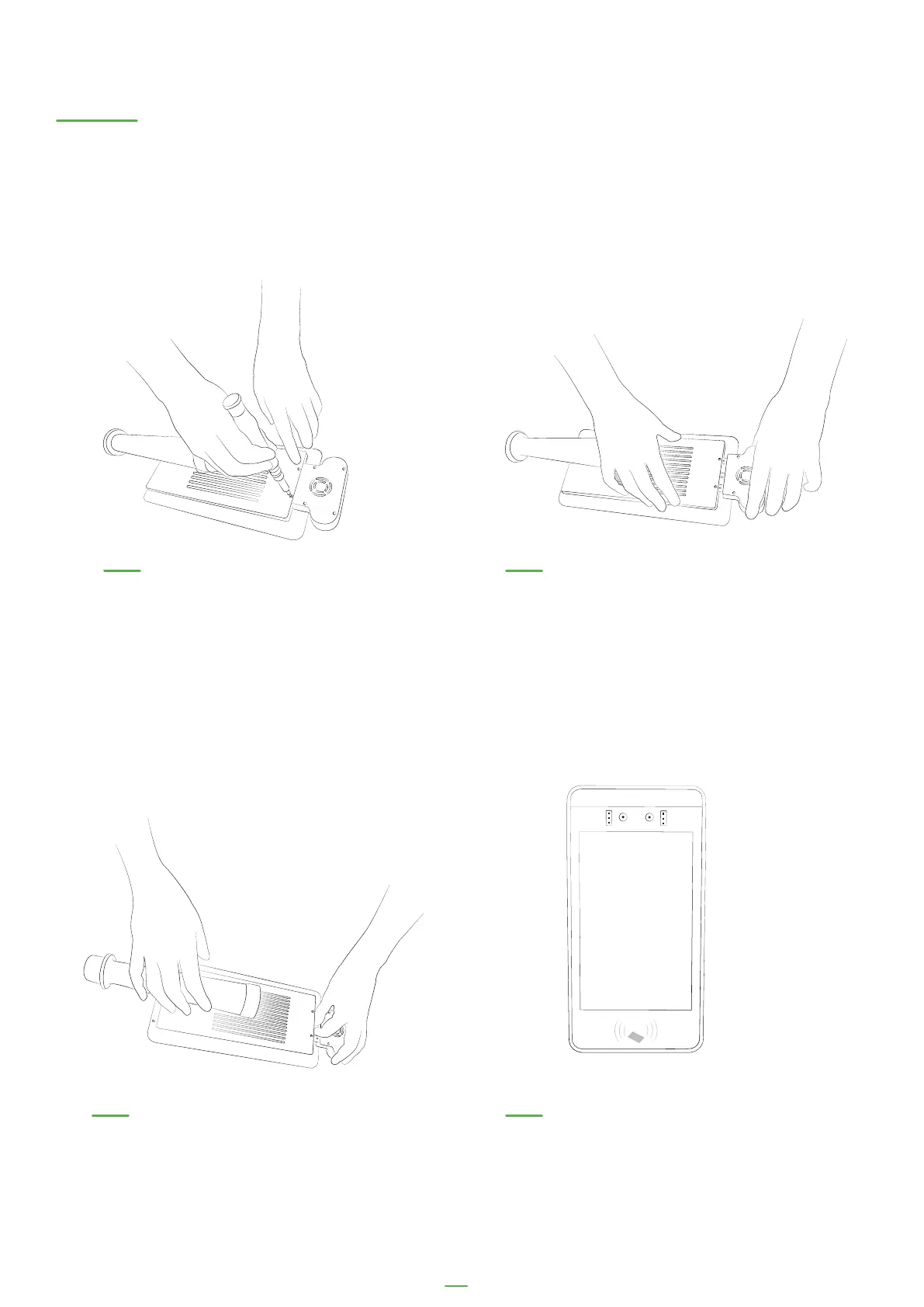
Disconnecting your temperature sensor
01. Remove the 2 screws that
connect the temperature
mount to the kiosk
The temperature sensor on your device can be removed if not required and the device
can be used as a visitor and employee sign-in kiosk without temperature scanning. The
sensor cannot be removed on the LD-AITemp (Gen 1) model.
02. Gently pull the temperature
mount out of the kiosk, being
mindful the USB is still connected
03. DIsconnect the USB in the
mount from the kiosk
04. Enjoy your visitor kiosk!
37



 To Next Page