Address the camera by saying the word “LAMAX” followed by the command itself from the list below.
Example: „LAMAX, DISPLAY OFF“
Turns display on
Turns display off
Displays front camera
Displays rear camera
Protects current shot
Takes photo
Turns on camera sound
Turns off camera sound
Turns on WiFi
Turns off WiFi
Turns on audio recording
Turns off audio recording
A
Scan the QR code or find the app on the App Store/Google Play.
B
Install the app on your smartphone or tablet.
C
Turn on WiFi in the camera settings menu or by using the voice command
„LAMAX, WIFI ON“ – the display will show the name of the dashcam and the WiFi
password (default is 12345678).
D
On your smartphone/tablet, connect to the WiFi network with the camera name,
launch the application and connect to the camera.
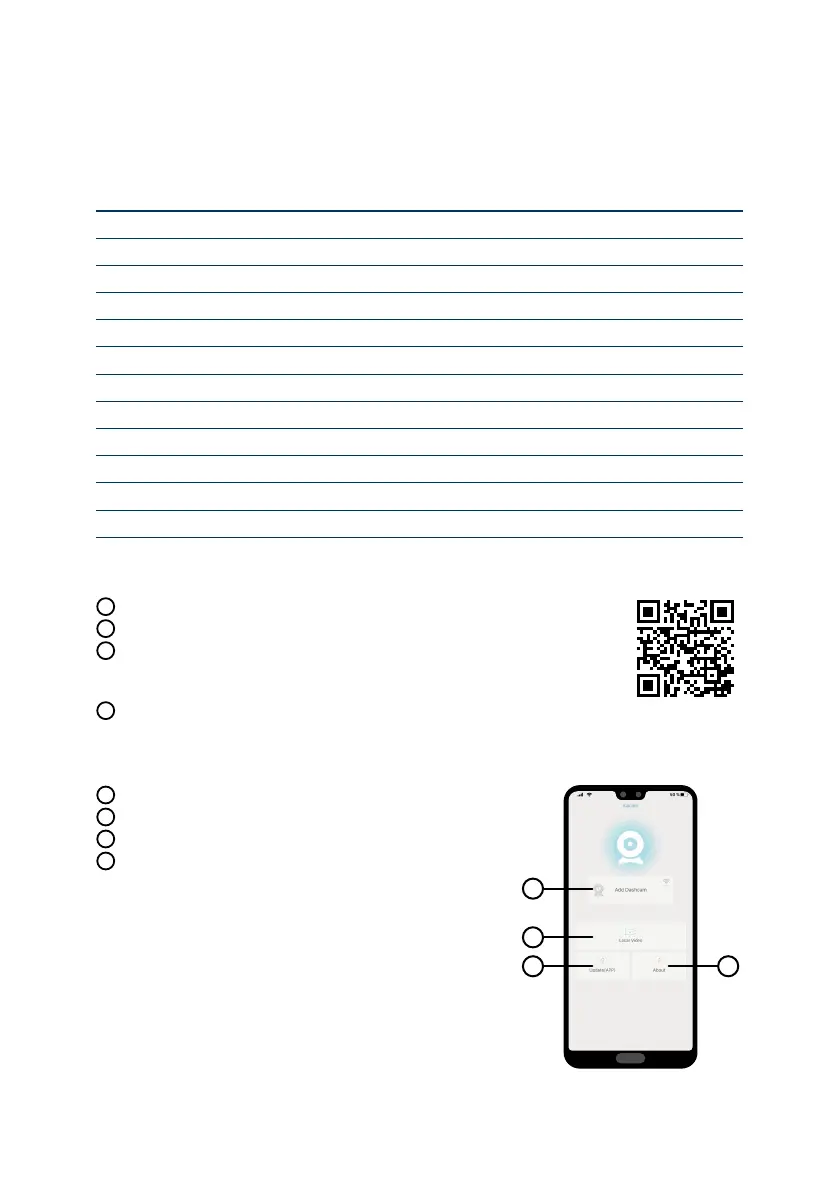
E
Connect camera
F
Files dragged to your phone
G
Application updates
H
Application info
E
F
G
H



 To Next Page