- 10 -
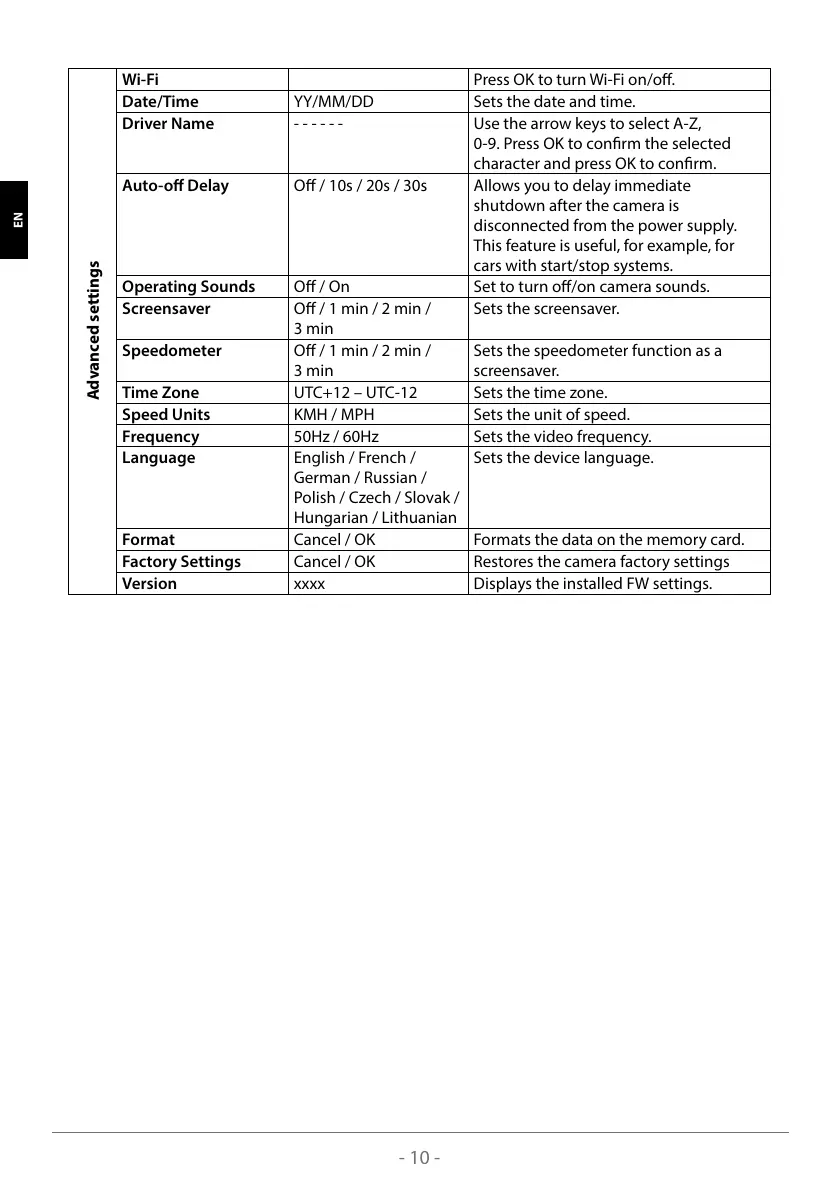
Advanced settings
Wi-Fi Press OK to turn Wi-Fi on/o.
Date/Time YY/MM/DD Sets the date and time.
Driver Name - - - - - - Use the arrow keys to select A-Z,
0-9. Press OK to conrm the selected
character and press OK to conrm.
Auto-o Delay O / 10s / 20s / 30s Allows you to delay immediate
shutdown after the camera is
disconnected from the power supply.
This feature is useful, for example, for
cars with start/stop systems.
Operating Sounds O / On Set to turn o/on camera sounds.
Screensaver O / 1 min / 2 min /
3 min
Sets the screensaver.
Speedometer O / 1 min / 2 min /
3 min
Sets the speedometer function as a
screensaver.
Time Zone UTC+12 – UTC-12 Sets the time zone.
Speed Units KMH / MPH Sets the unit of speed.
Frequency 50Hz / 60Hz Sets the video frequency.
Language English / French /
German / Russian /
Polish / Czech / Slovak /
Hungarian / Lithuanian
Sets the device language.
Format Cancel / OK Formats the data on the memory card.
Factory Settings Cancel / OK Restores the camera factory settings
Version xxxx Displays the installed FW settings.
SLO HR LT FR HU SK CZ PL DE EN



 To Next Page