10
Function Step Description
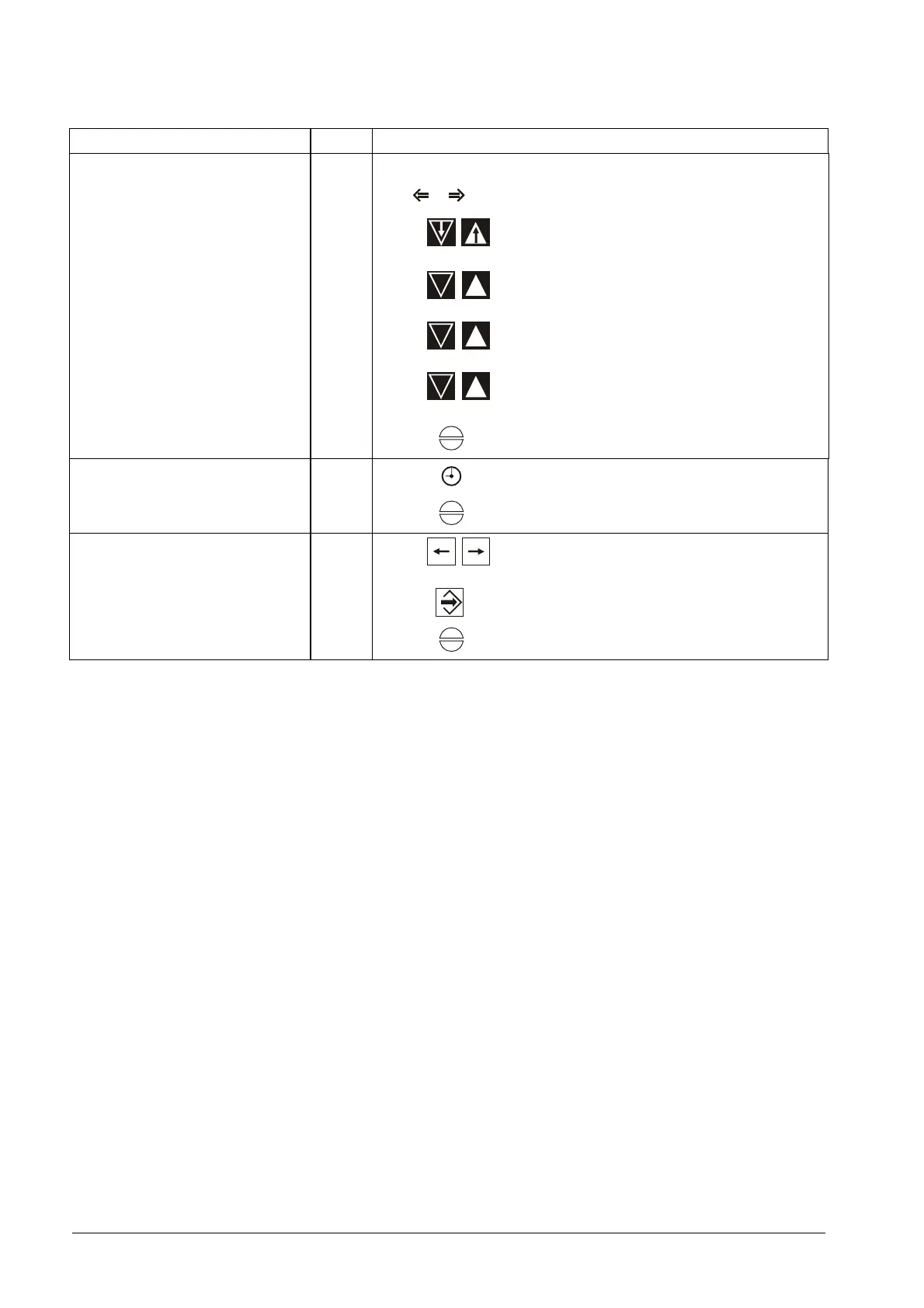
Change parameter
1
Enter password
2
F2 F3
Setting: „Parameter“
3
6 7
Set parameter
4
8 9
Change valve of parameter, steps: ±1
4 5
Change valve of parameter, steps:
±100
2 3
Change valve of parame-
ter,steps:±1000
5
F1
Exit
Call up running time counter
1
F2
Total running time on the display
2
F1
Exit
Call up the Checksums
1
17 16
Select: „Feedback set poinr“
2
11
Keep key pressed
3
F1
Exit



 To Next Page