8
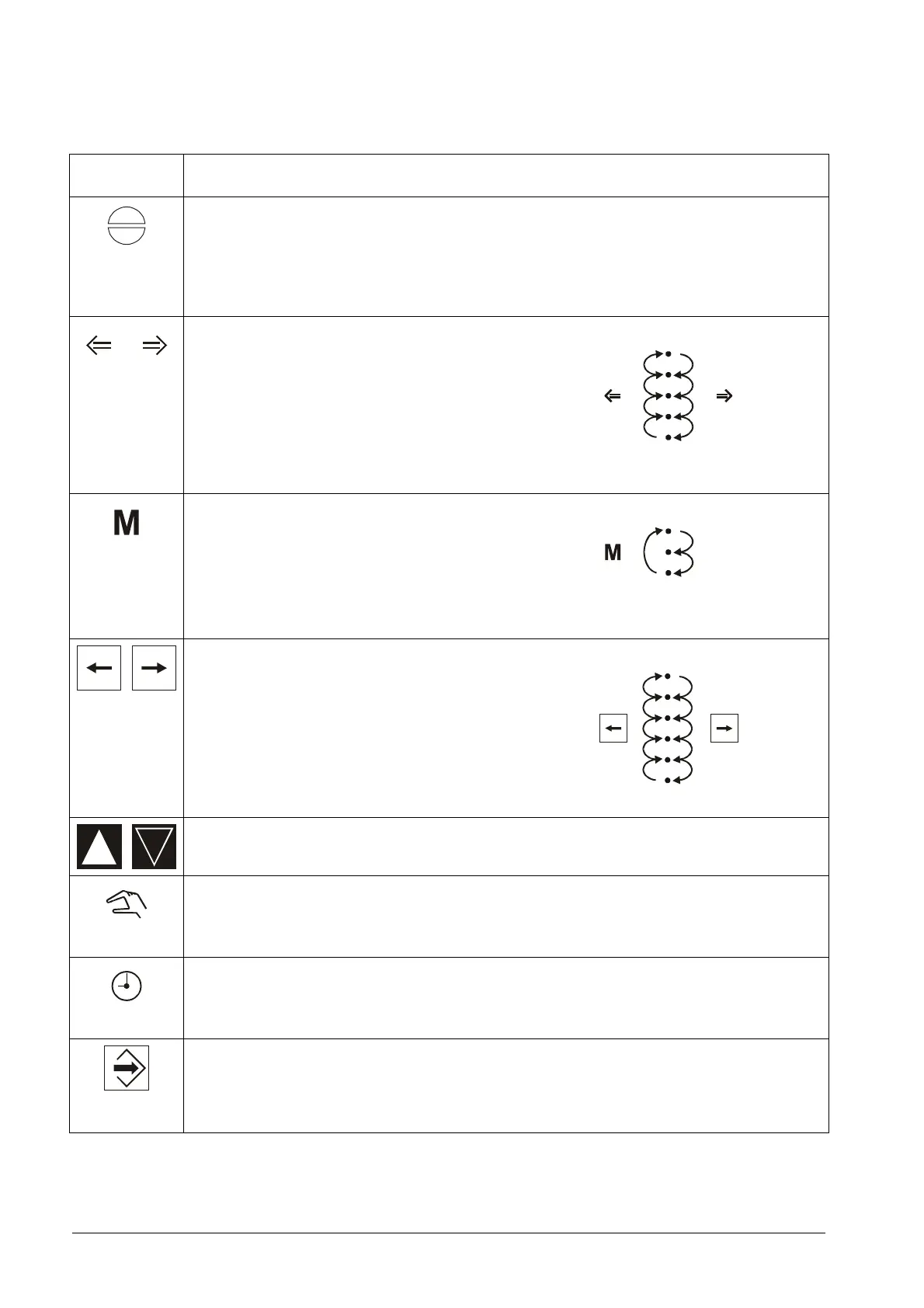
3 Function of the keys
Keys / sym-
bols
Function
F1
Fault reset via function key:
• Resetting faults
Note: Fault reset has priority before the other functions
• Leaving operation mode
• Skip to start position (automatic or status)
F2 F3
Select operation mode (only via code):
Via function keys
• Monitoring processor display(UEAN)
• Parameterisation (PARA)
• Automatic (AUTO)
• Setting (EINS)
• Clear memory (SPLO)
F4
Display change via function key:
• Compound
• O
2
/CO-controller
• Flame intensity
If O
2
/CO and int. flame scanner are disabled, then F4 is
without function.
Select operation parameter:
• Status
• Load rating
• Set-point
• Actual value feedback (Rueck.Ist)
• Set-point feedback (Rueck.Sol)
• Digital inputs (Dig.Input)
Cannel 1-4 open/close
F3
Manual operation via function key
F2
Call up running time meter via function key
ENTER:
• Accepting settings
• By faults and parameter announcement: Change-over
of the display between code and plain language
17 16
11



 To Next Page