32
5 Operating Control and Displays
2. Use cursor keys to set firing-rate point and press ENTER to confirm.
Set-point channel 1 is chosen (displayed inversely).
3. Use cursor keys to set channels’ actuator position.
4. Use cursor keys to switch to next channel.
5. Use cursor keys to set actuators’ position in the selected firing-rate point.
NOTICE!
Actuators move according to changes immediately to the set position.
If you want to change channel 4 the fan motor must be running.
Accept or discard the entry!
The display switches to the firing-rate selection menu.
6. Use BACK key to switch to menu settings after having completed curve settings.
NOTICE!
The following firing-rate points are available:
Ignition point , 200, 250, 300, 400, 500, 600, 700, 800, 900, 999
7. Set your firing-rate points as described above and press ENTER to confirm.
NOTICE!
If you press key while setting firing-rate points your value changes will be discarded.
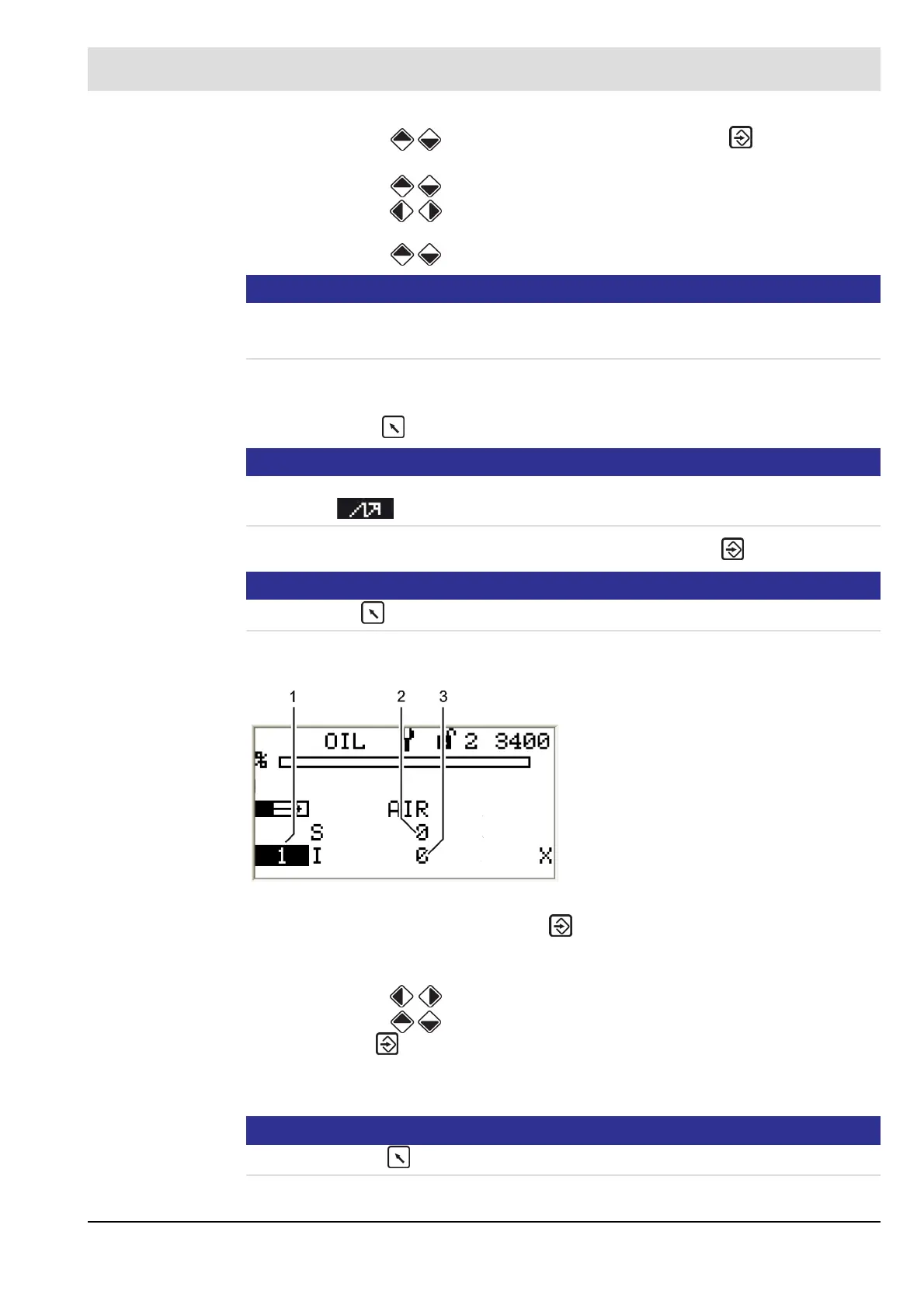
Set multi-stage oil operation - 1
st
stage
1. Select the first stage and press ENTER .
The actuators move to the pre-set positions.
The setpoint position of the first activated actuator is displayed inversely.
2. Use cursor keys to set the position of the selected actuator.
3. Use cursor keys to switch to a different actuator.
4. Press ENTER .
The positions of all actuators of the selected firing-rate point are saved.
You can select the next firing-rate point.
NOTICE!
If you press the key while changing the firing-rate point your changes will be discarded.
Fig. 5-39 Multi-stage operation menu
1 Display 1
st
stage
2 Set-point, air damper position
3 Actual value, air damper position



 To Next Page