Quick Installation Guide
Broadband routers
E-mail: support@lanberg.eu
2) The importance of individual elements and router configuration procedure
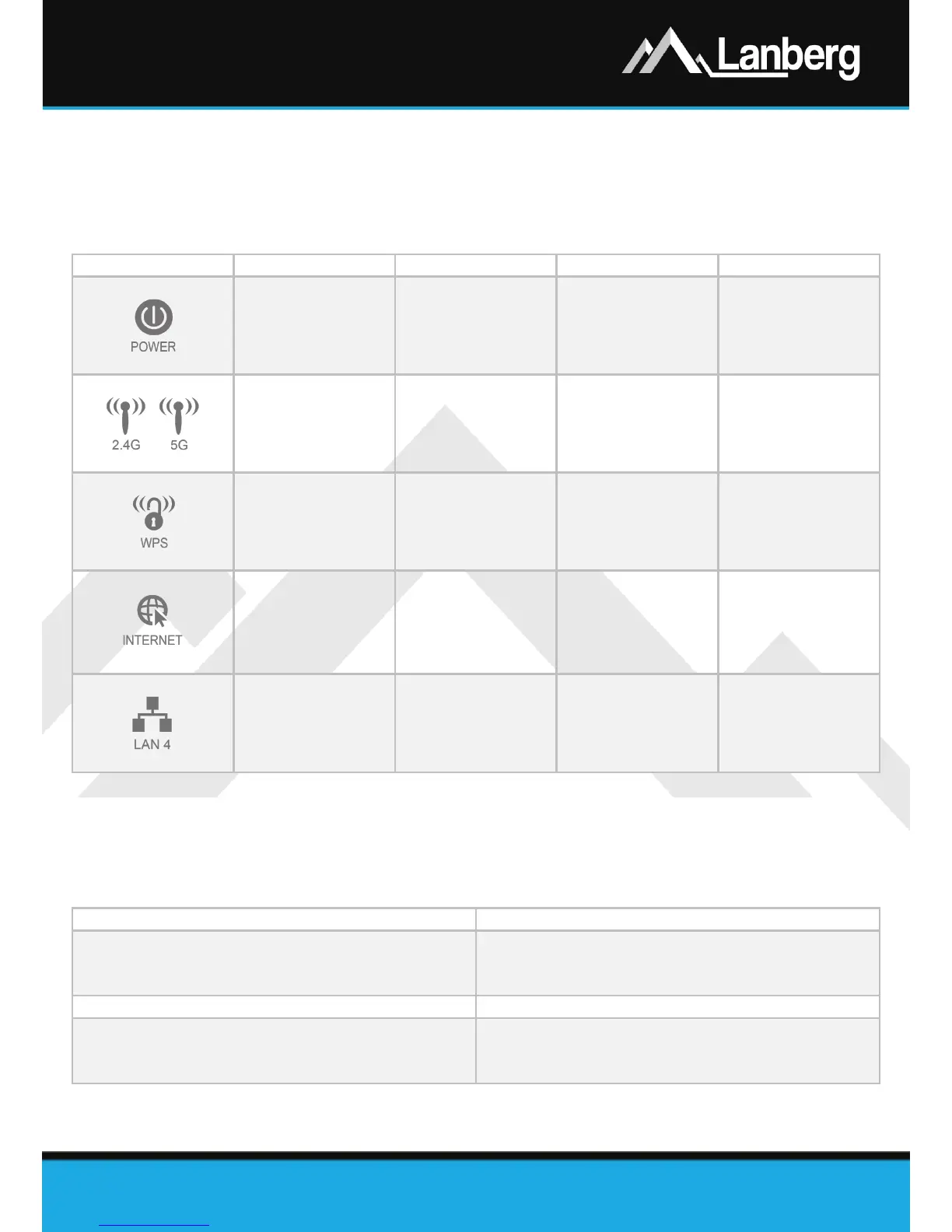
2.1) LEDs and their meaning
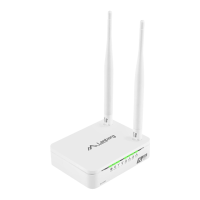
Lanberg’s wireless broadband router has, on the front panel, multiple green LEDs. Their number and
meaning may vary depending on your model. Below displayed table contains explanation of each LED
regardless of the router model.
Power
Device is turned
on and ready to
use
Device is turning
on
Device is turned
off
Wi-Fi network -
Data
transmission /
reception is in
progress
Wi-Fi network is
turned off
WPS feature -
Device is waiting
to be paired with
(using WPS)
within 2 minutes
WPS feature is
not connected
Wide area
network port
(WAN)
Internet network
is connected
Data
transmission /
reception is in
progress
Internet network
is disconnected
Local area
network port
(LAN)
Local device is
connected
Data
transmission /
reception is in
progress
Local device is
disconnected
2.2) Router elements, buttons and their features / properties
Lanberg’s wireless broadband router contains a number of elements and buttons. Their number and
meaning may vary depending on your model. Below displayed table contains explanation of each element
or button regardless of the router model.
Description / features / properties
• RO-030FE model: 2 fixed antennas 5dBi, 50Ω, 2.4G
• RO-120GE model: 2 fixed antennas 5dBi, 50Ω, 2.4/5G
• RO-175GE model: 4 fixed antennas 5dBi, 50Ω, 2.4/5G
Use it to turn the device (ON) or (OFF)
• RO-030FE model: DC 12V, 0.5A
• RO-120GE model: DC 12V, 1.0A
• RO-175GE model: DC 12V, 1.5A



 To Next Page
 Loading...