17
LANCOM Installation Guide – Configuration
EN
Using the activation code
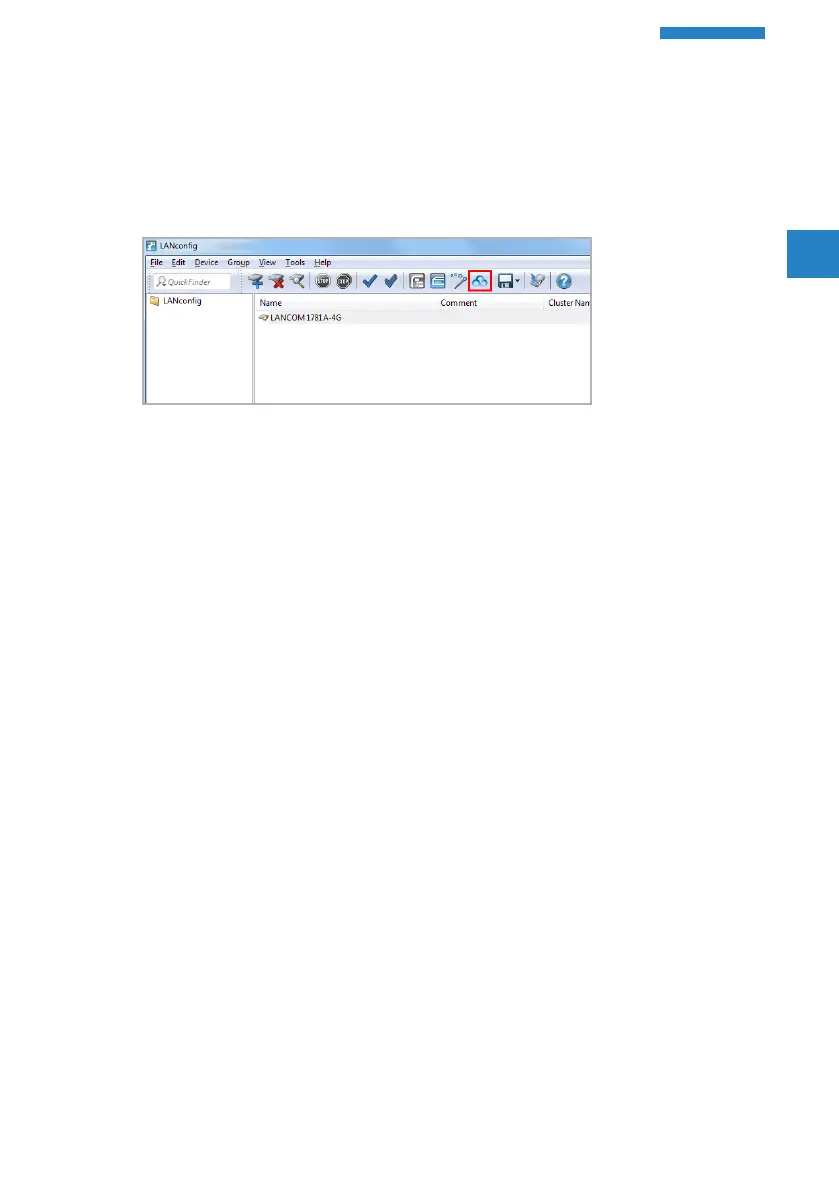
Open LANconfig and select the desired device or devices and click the
Cloud icon in the menu bar.
In the dialog window that opens, enter the activation code that you
generated previously and click the button OK.
4
If you copied an activation code to the Clipboard, it is automatically
entered into the field.
Once the device is paired with the LANCOM Management Cloud, it is
available in the project for further configuration.



 To Next Page