SETTING UP TO USE TONEBRIDGE
Download the correct version of the TONEBRIDGE APP for your device from your
preferred APP provider.
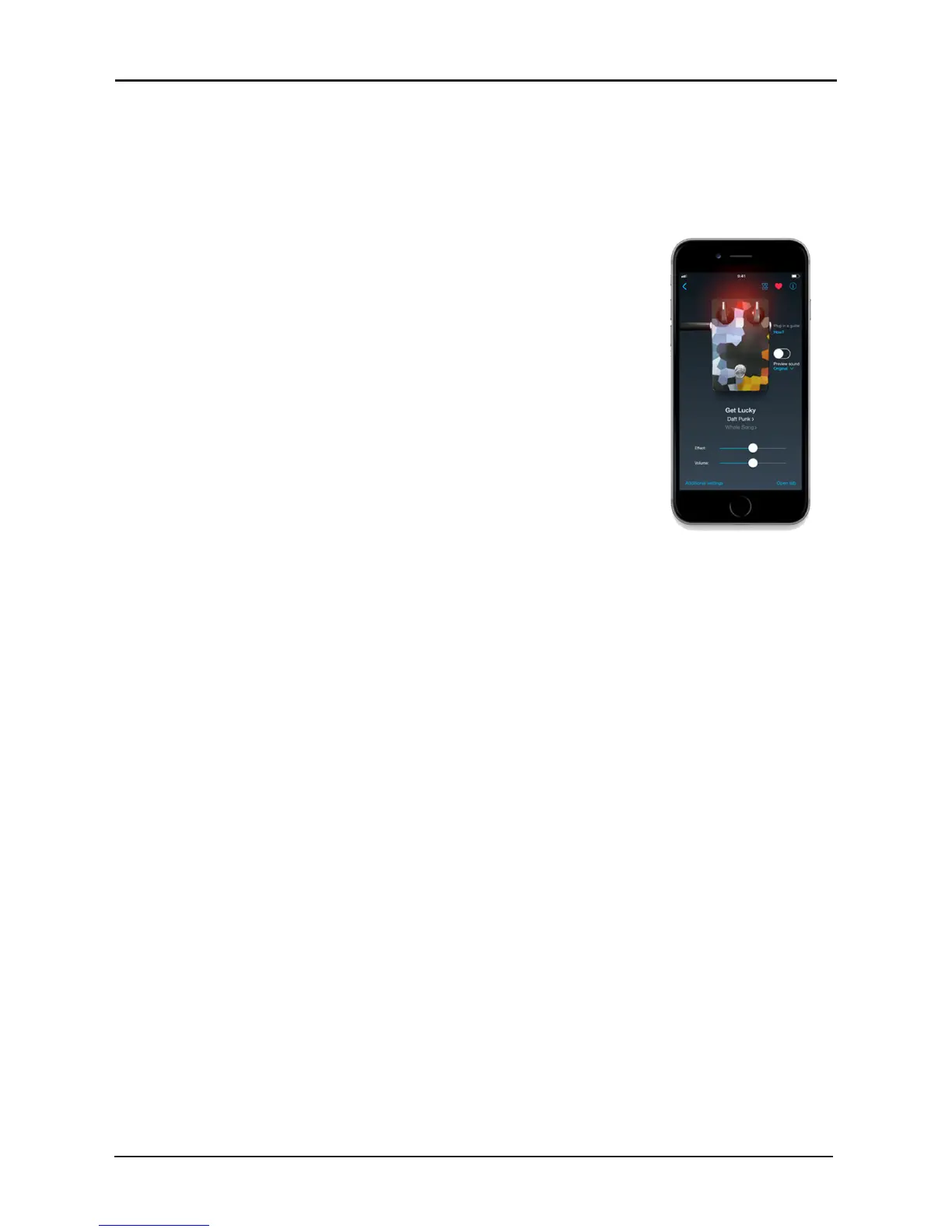
When you rst open “TONEBRIDGE” the APP checks your
device for compatibility and gives it a rating along with some
useful information about using the APP on your device.
Once this is complete you can make your guitar sound like
any of 10,000 songs of your choice!
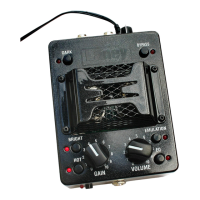
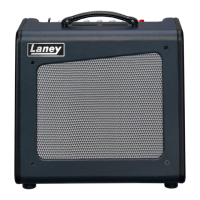
Lets start by setting your MINi up ready to use
“TONEBRIDGE”.
With your guitar connected to the MINI do the following: -
1 - Make sure the drive switch is disengaged
2 - Turn the GAIN control to minimum
3 - Turn VOLUME to halfway
Connect one end of your LSI Cable to the LSI socket on the amp.
Connect the other end of the LSI cable to the headphone socket or
headphone socket adaptor on your smart device.
Fire up the “TONEBRIDGE” app.
Turn the volume on your device up to halfway.
Search for and select a song you are familiar with. Now you need to balance the
level of your smart device with your guitar signal. Use the “Preview Sound”
facility on “TONEBRIDGE” to indicate the level of the app volume and use the
Level control to balance the guitar level in relation to the app.
Note in “TONEBRIDGE” – no guitar level will be heard when you preview a
sound – so toggle the preview sound function on and o to check your guitar
level.



 To Next Page