Page 2 of 36
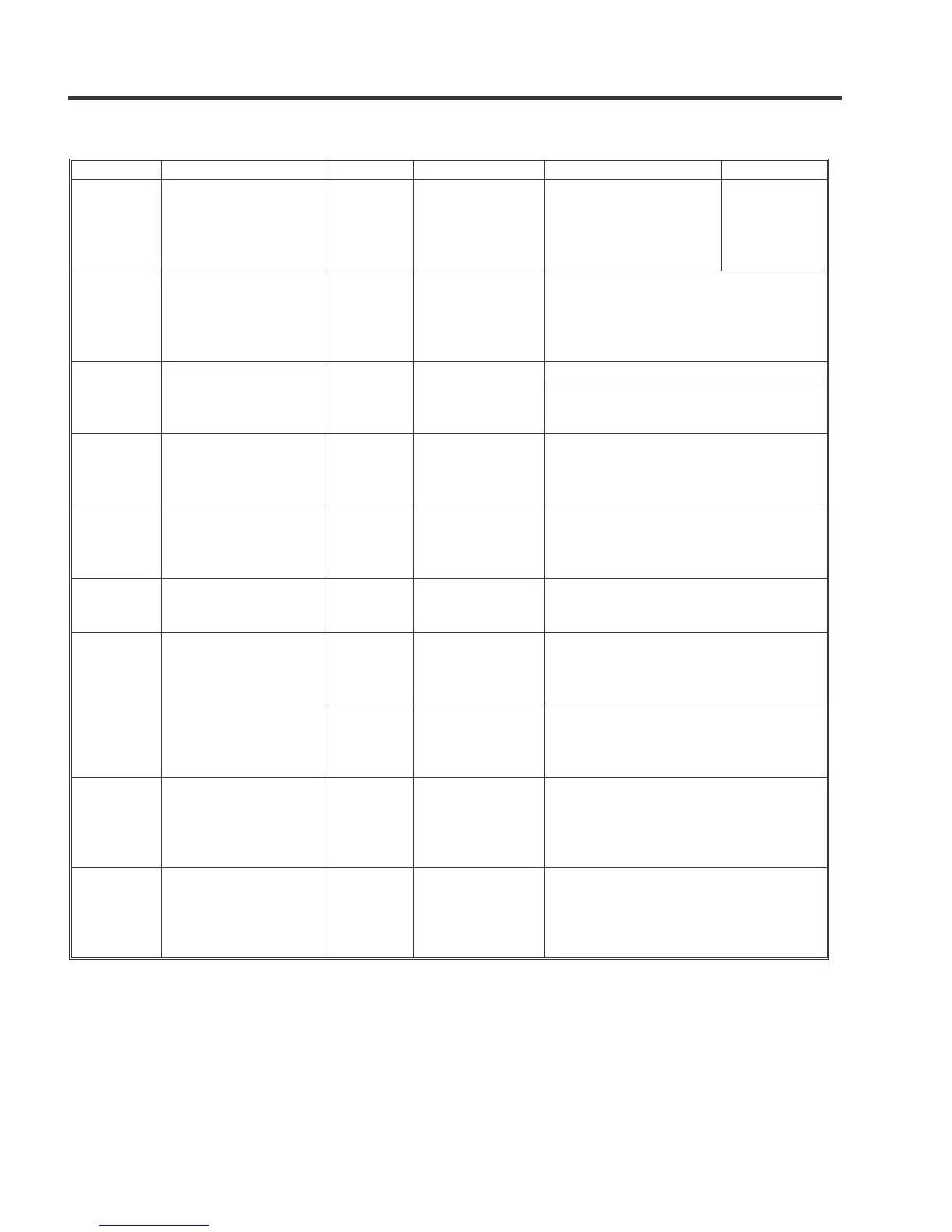
1. PAPER FEED ERRORS
Subjec
Symptom TSB
Cause Solution Note
Jam JAM 27 or 64 when
printing on B4, DLT,
or SRA3 sized paper
in duplex mode.
TSB# 002 Forgot to
remove
cardboard
stabilizer at
installation.
Don’t forget to remove
it, as shown in the
TSB# 002.
The
component
will be
modified Oct
2013
Jam JAM 19, 24, or 60 TSB# 004 Temporary heat
deformation of
the plastic guide
plate
If the symptom occurs in the field, do
the procedure in TSB# 004.
When installing the machine, do the
procedure in TSB# 004 to prevent the
symptom.
Jam Printing on labels D146-
D147
Firmware
History
Printer firmware Install version 1.02 or newer.
Install version 2.05 or newer.
Jam JAM 153 occurs with
stapling jobs
D688
Firmware
History
Finisher
SR3160/
SR3170
firmware
Install version 02.040:10 or newer.
Jam Jam 001 or 153 D688
Firmware
History
Finisher
SR3160/
SR3170
firmware
Install version 02.260:10 or newer.
Jam Jam225 after
stapling
D686
Firmware
History
Finisher
SR3140
firmware
Install version 01.140:04 or newer.
Jam Jam 67 if a
continuous print or
copy job is done
with A3 and A4 LEF
mixed together.
D146-
D147
Firmware
History
Engine
firmware
Install version 1.25.2:08 or newer.
D176-
D177
Firmware
History
Engine
firmware
Install version 1.25.2:08 or newer.
Jam Jam 157 with two-
spot stapling.
D688-
D689 -
002
The staple
catches on the
guide Mylar
attached to the
jogger fence
Push down the mylar to prevent the
staple from catching on it.
Jam When the paper exits
to the tray
D688-
D689 -
001
Reissue
The stapled set
touches the tray
at an
unexpected
angle upon exit
Add Mylars to the leading edge paper
guide



 To Next Page