19
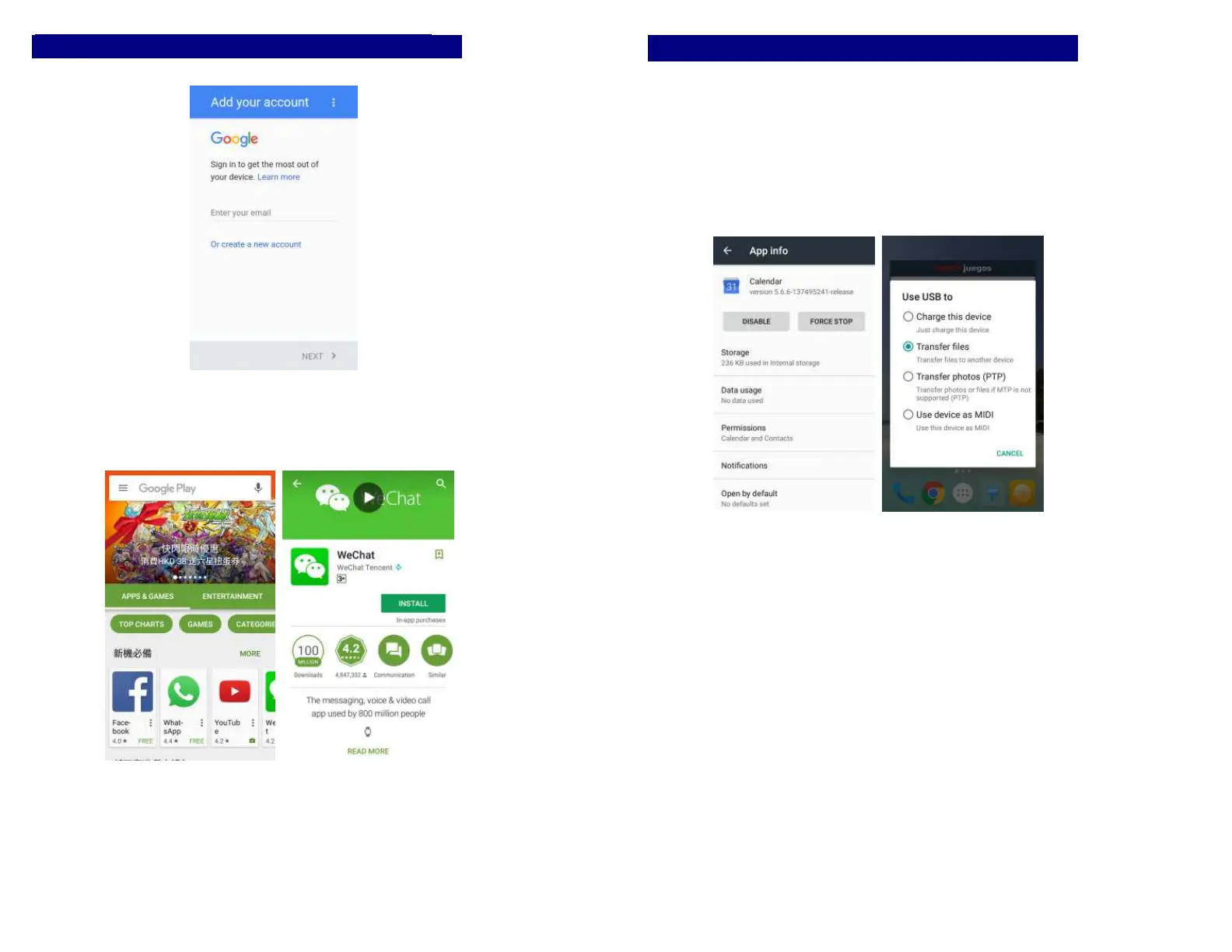
Download Applications From Android Market
Add a Google account
Enter Google Play™ store and download apps.
20
Manage Applications
Enter Setting >Apps, then manage the applications. Tap any
app to view the information of the applications, and you can
also force the apps to stop or uninstall the apps.
To install Apps, you need switch on “Unknown sources” in
Security settings.


 To Next Page