2: Installation
This chapter describes how to install your xPrintServer.
Package Contents
Your xPrintServer product package includes the following:
One (1) xPrintServer
One (1) Quick Start Guide
One (1) RJ45 Ethernet Cable (3 ft)
One (1) Universal Power Supply
User-Supplied Items
You also need the following items to install and operate your xPrintServer:
A working power outlet
Wi-Fi Access Point
Network Attached Printer (wired or wireless)
Your iOS device (e.g., iPad, iPhone) with connection to the network via Wi-Fi
Hardware Components
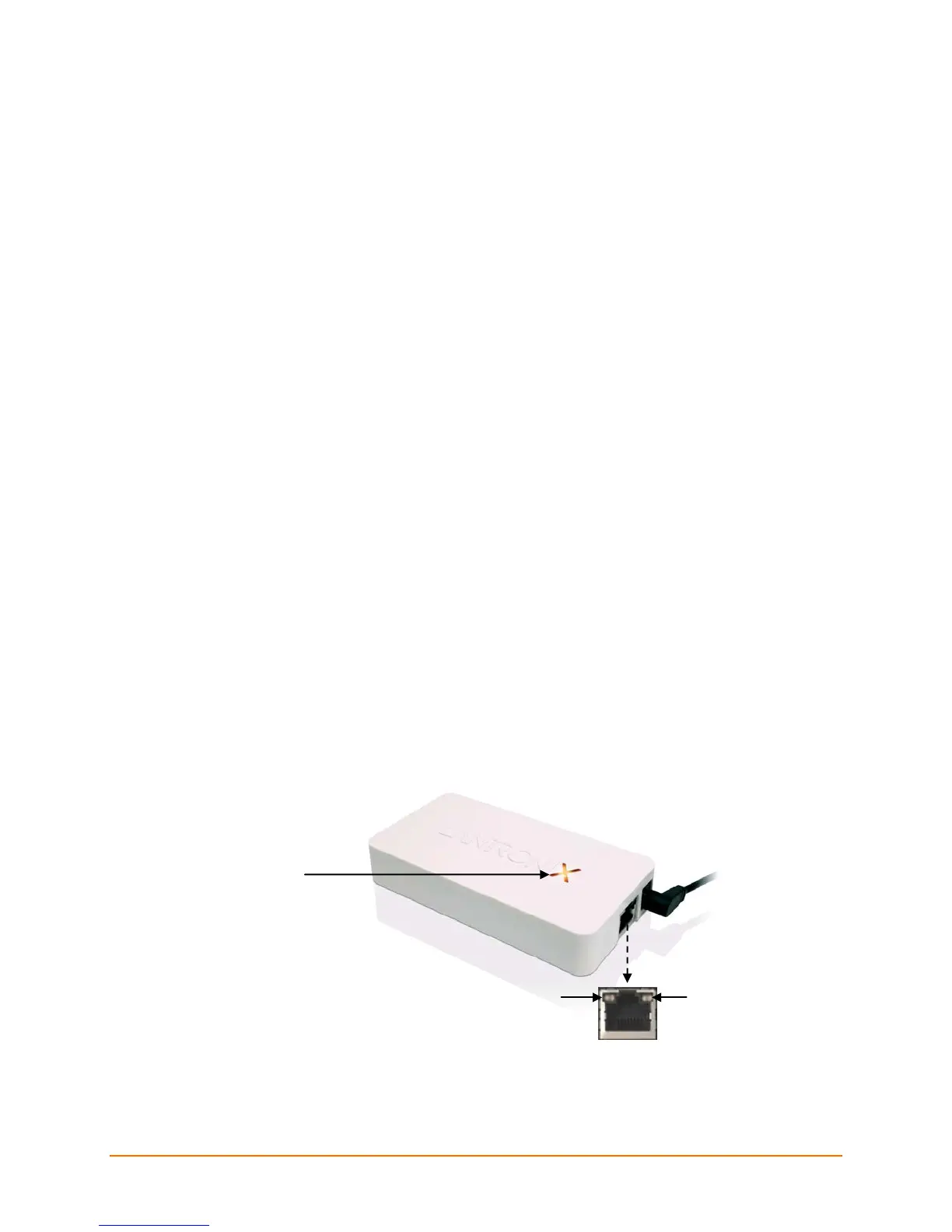
There is one power input, one Ethernet port and two types of LED indicators on the xPrintServer.
The LEDs provide information about device activity and status.
Figure 2-1 xPrintServer LEDs
Ethernet Port
Status LED
xPrintServer User Guide 9


 To Next Page