www.lascarelectronics.com
Issue 3 03/2022 Page 4 of 5
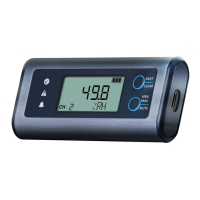
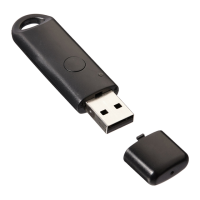
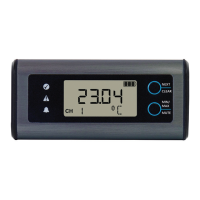
EL-SIE-2
Temperature and Humidity USB Data Logger,
EasyLog Cloud Compable
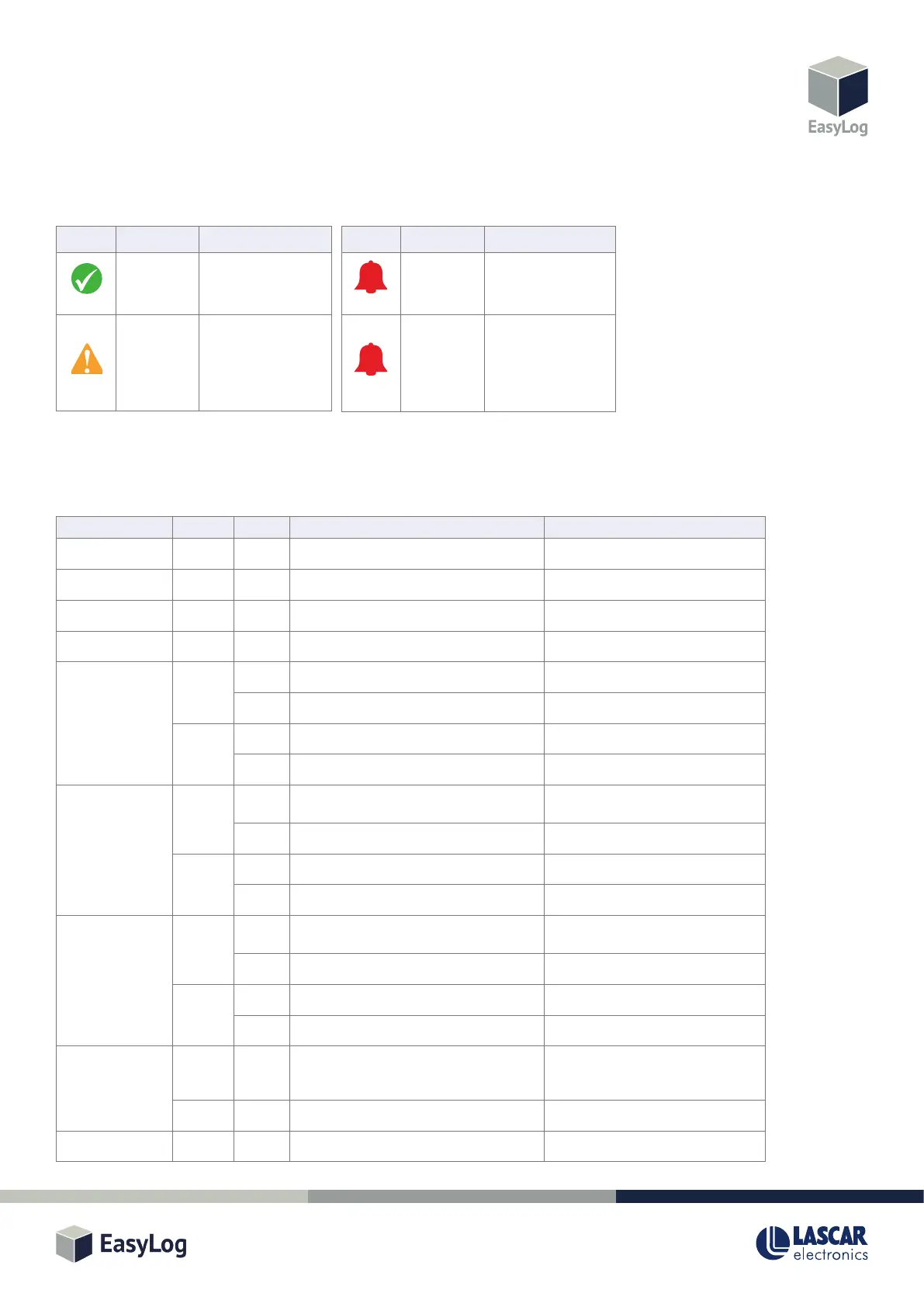
LED STATUS INDICATION
The EL-SIE-2 has three LEDs to clearly indicate the status:
BUTTON FUNCTIONS
The two buons are used to navigate between display screens and control other funcons, some of which also create a record in an Event
Log, which can be viewed using the web browser.
Screen Buon Press Funcon Event Recorded
USB n/a n/a n/a n/a
Push to Start Any Long Start logging n/a
Triggered Start n/a n/a n/a n/a
Delayed Start n/a n/a n/a n/a
Channel –
Current reading
Top Short Move to next channel or STOP LOG n/a
Long Clear alarm hold for all channels Clear Held Alarms
Boom Short Show Min reading for this channel n/a
Long Mute alarm sounder Mute Alarm
Channel –
Min reading
Top Short Show Min reading for next channel or STOP
LOG
n/a
Long Reset Max/Min reading for all channels Clear Max/Min
Boom Short Show Max reading for this channel n/a
Long Mute alarm sounder Mute Alarm
Channel –
Max reading
Top Short Show Max reading for next channel or STOP
LOG
n/a
Long Reset Max/Min reading for all channels Clear Max/Min
Boom Short Show current reading for this channel n/a
Long Mute alarm sounder Mute Alarm
STOP LOG? Top Short Move to Channel 1 (or Warning Screen), also
generates an Audit Mark when cycling back
through to Channel 1
Audit Mark
Boom Long Stop logging, returns to Push to Start n/a
Warning Screen Any Short Move to next warning or Channel 1 n/a
If the display mode is set to Buon Press, pressing any buon wakes the display up, aer which it operates as described above.
LEDs Sounder Status
Acve
Alarm / Memory Full /
Calibraon Expired
O Baery Low
LEDs Sounder Status
O
Logger in operaon, no
alarms or warnings
O
Logger primed but not
yet logging / Pre-alarm
/ Memory 90% Full /
Calibraon Pending
(check display for
specic warning)
Slow Flash
Flashing
Flashing
Flashing


 To Next Page