QUICK START GUIDE MP3-L60
2 | P a g e
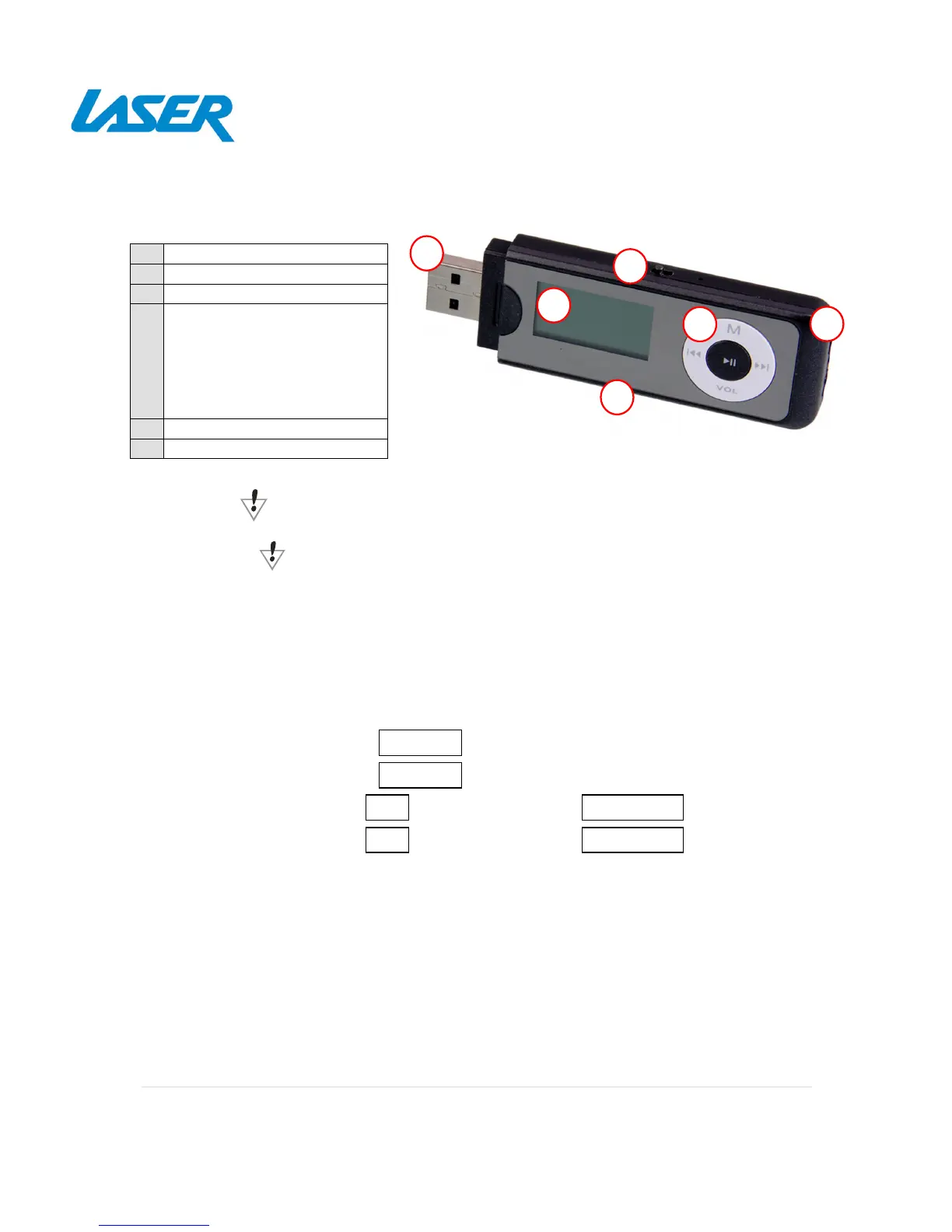
PRODUCT CONNECTIONS AND USE
The power switch must be turned ON for charging.
Switch the power switch OFF when not in use.
WHAT’S IN THE BOX
1 x MP3-L60 Player, 1 x Ear buds, 1 x User manual
BASIC OPERATION
Power On Press and hold the button until the “LASER” screen appears.
Power Off Press and hold the button until the “BYE” screen appears.
Volume Up Press the button, followed by the button
Volume Down Press the button, followed by the button
PC Connection Simply remove the USB cap and insert into any charging USB port. The
device can then be used as a removable flash drive to drag and drop
compatible music files



 To Next Page