EasyManua.ls Logo

Laser MP3 Player - User Manual

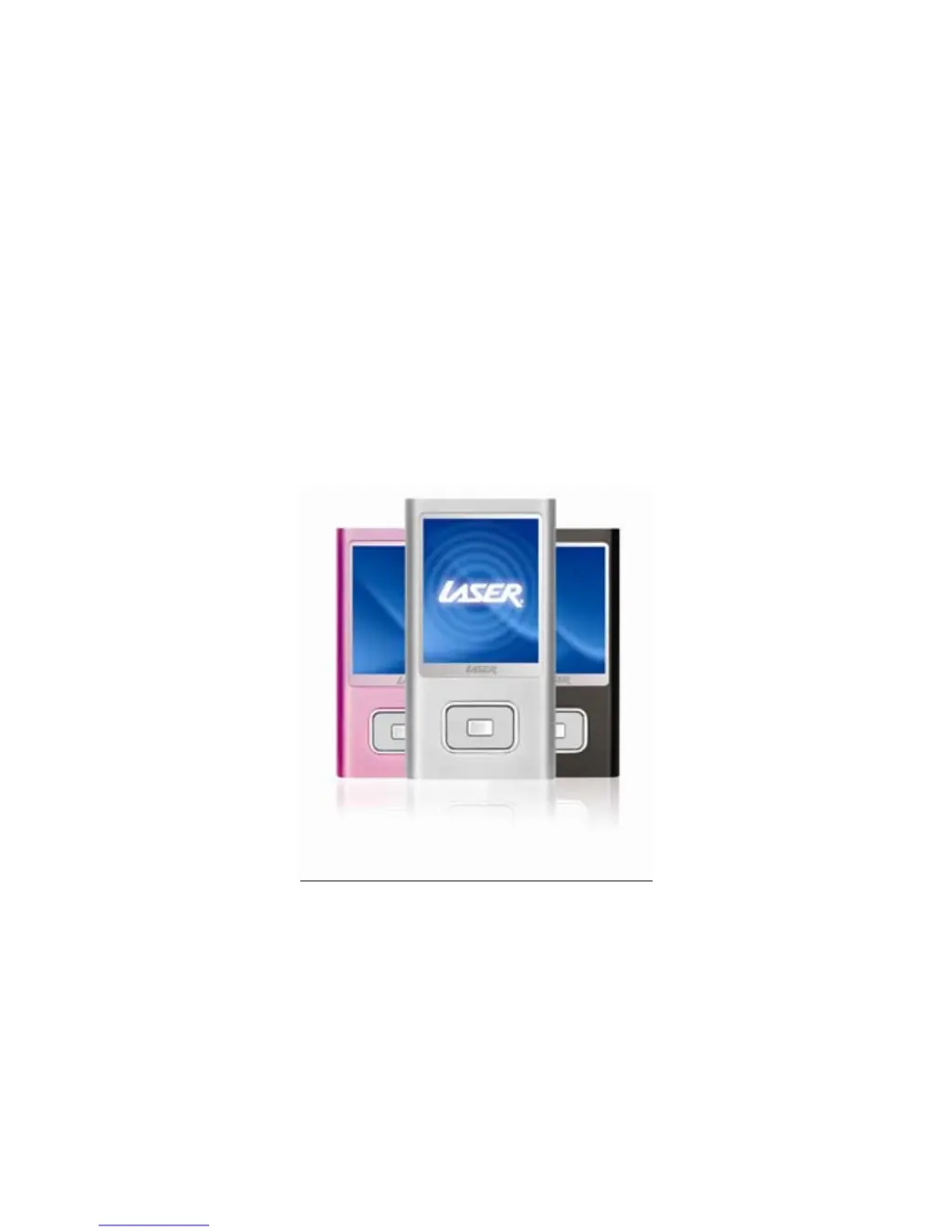
Laser MP3 Player
29 pages
Print Icon
To Next Page IconTo Next Page
Loading...
1

Questions and Answers

  • J
    Joseph HoffmanJul 31, 2025
    What to do if my Laser can't be played?
    • K
      Kevin TylerJul 31, 2025
      If your Laser MP3 Player isn't playing music, first ensure the device is powered on and that the volume isn't set to zero. Also, verify that your earphones are properly connected and clean. If problems persist, try formatting the disk again.
  • G
    gacevedoAug 5, 2025
    What to do if Laser MP3 Player can't upload/download files or disk is not found?
    • A
      alexkellerAug 6, 2025
      If your Laser MP3 Player is unable to upload or download files, or if the disk isn't detected by your computer, ensure the USB cable is fully inserted after powering on the device and reinstall the driver correctly.
  • G
    gina25Aug 10, 2025
    How to restart a blocked Laser MP3 Player?
    • A
      Anna LynnAug 10, 2025
      If your Laser MP3 Player is blocked, push the power switch to restart the player.
  • G
    Gloria LopezAug 15, 2025
    Why my Laser can not be recorded?
    • V
      Victor RandallAug 15, 2025
      If your Laser MP3 Player is unable to record, ensure that there is enough memory available and sufficient battery charge.
  • L
    Lauren Williams MDAug 20, 2025
    How to fix deformed words on Laser display?
    • N
      Norma WrightAug 20, 2025
      If the words on the display of your Laser MP3 Player are deformed, ensure that you have selected the correct language setting.
  • M
    Mary LewisAug 26, 2025
    What to do if Laser MP3 Player can't be used after upgrading?
    • N
      nolanjenniferAug 26, 2025
      If your Laser MP3 Player cannot be used normally after upgrading, try upgrading again using a computer running Windows 2000 or Windows XP.

Summary

Precautions

Characteristics

Basic Operation

Power On;Off

Instructions for switching the device on and off.

Power Reset

Procedure to restart the player if it becomes unresponsive.

Computer Connection

Guide for connecting the player to a computer for data transfer.

Basic Operation Controls

Volume Control

How to adjust the audio volume level.

Main Interface Navigation

Navigating through the device's main menu options.

System Menu

Settings Access

Entering and navigating the main settings menu.

System Menu Options

Firmware Upgrade

Steps to update the player's firmware.

Listen to Music

Music Playback Controls

How to play, pause, and navigate music tracks.

Music Playback Features

Play Video

Voice Recording

Start Recording

How to initiate and control voice recording.

Recording Settings

Configuring quality and volume for voice recordings.

USB Disk and Charging

Battery Charging

Understanding battery status and charging procedures.

Convert Video File

Video File Conversion

Upgrade Player Firmware

Firmware Upgrade Process

Firmware Upgrade Notes

Troubleshooting

Product Specifications

Laser MP3 Player Specifications

General IconGeneral
BrandLaser
ModelMP3 Player
CategoryMP3 Player
LanguageEnglish

Related product manuals