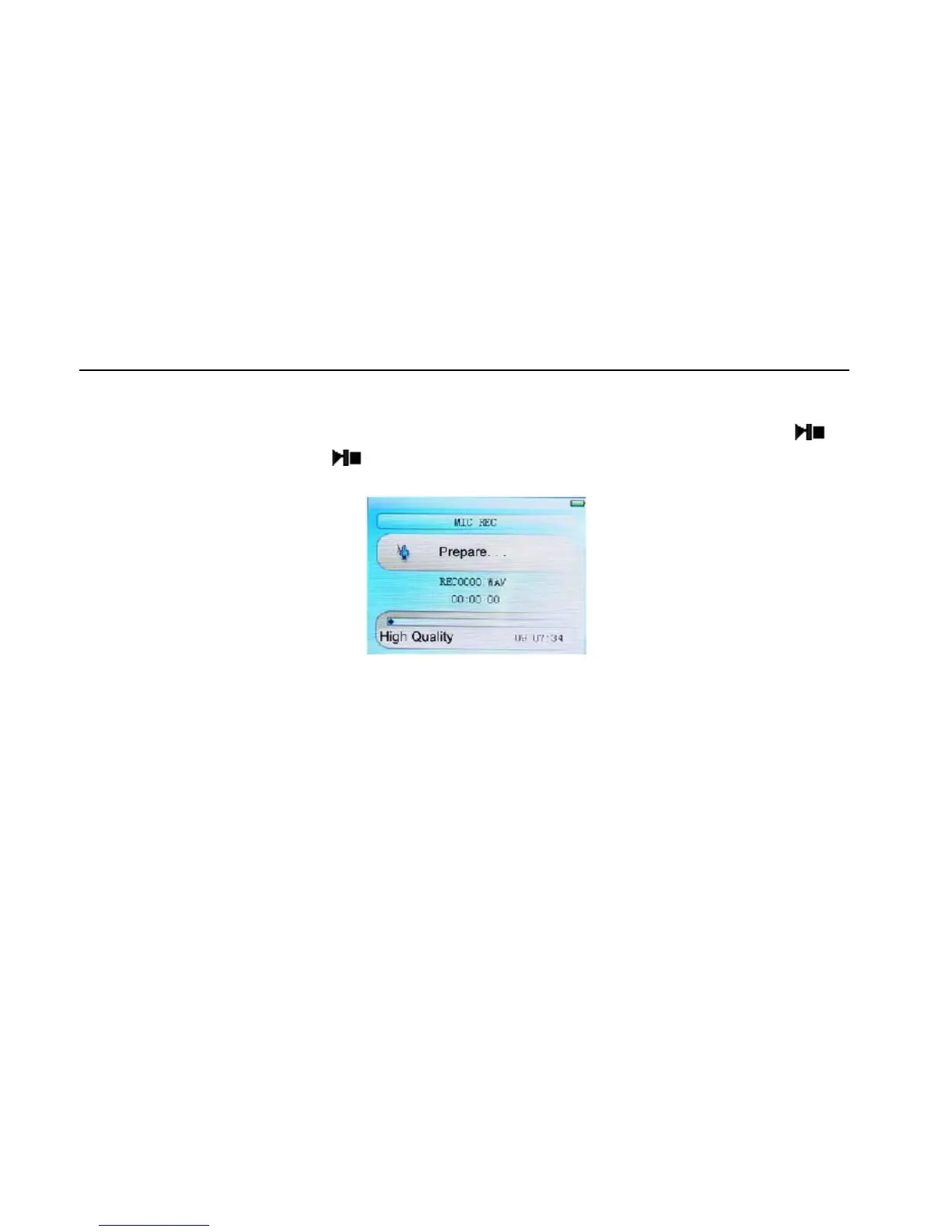
Voice REC
Voice REC
In Main Interface, enter Record state, short press “M” key to start recording, short press
key
to pause recording, short press
key to save the recorded file and enter next Record preparation
state. Long press [M] key to save the record and exit the REC mode.
REC Setup
In Stop state of REC mode, long press [M] key to exit the Main interface, and enter [Record] option,
adjust the settings among [REC Quality]/[REC Volume]/[CHECK SW].
1. REC Quality: high quality, common quality (the first one has larger REC file and better effect;
the second one is in the opposite)
2. REC Volume: five options of +1, +2, +3, +4 and +5. The higher level, the larger recorded volume.
*The recorded voice files can be found in Music Play menu and played to try the effect.
*If the screen displays “Full Space”, it indicates that there is no space for new recorded file, please
delete other files to release more space.
16



 To Next Page