Upgrade Player Firmwar
The player can upgrade or resume the damaged player firmware via the tool software in the attached
disk.
1. For the first upgrading of computer, insert the drive disk into the CD-ROM of computer, then
connect the MP4 player with computer (it requires you to press and hold the
key), till it
appears the program Installation Interface.
2. Implement the next step according to the Dialog box prompt, and select the “Upgrading Tool”
folder in the attached disk in the “Browse” option of the fourth Dialog box, then click Confirm.
3. Operate as per the prompt in dialog box till the accomplishment.
4. When the installation of programs required by computer is OK, you can begin the upgrading;
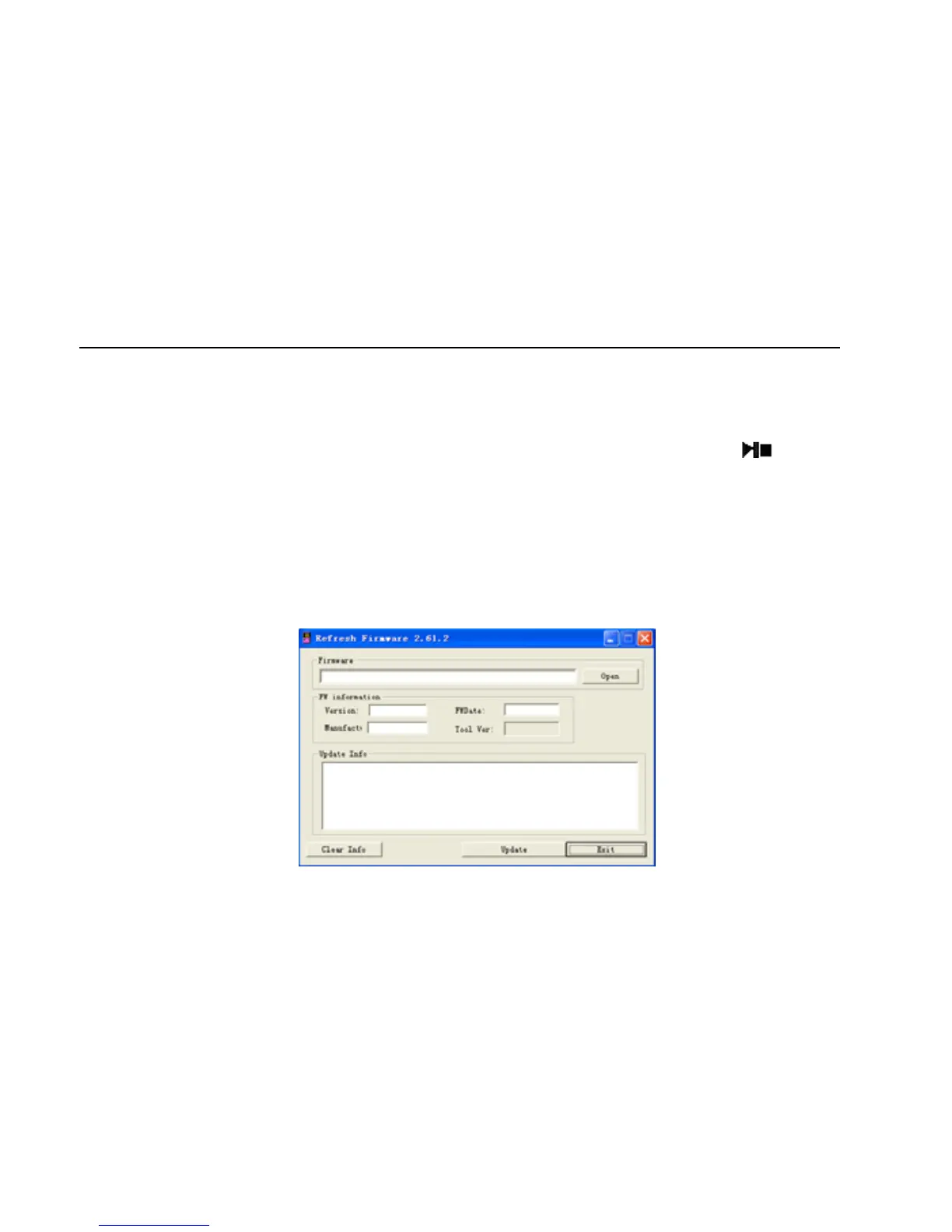
select and run the firmware upgrading tool Consumer.exe (can be found in attached disk), then open
the option and select Rock2*. rfw file (the Interface is as follows).
25



 To Next Page