System Menu
Settings
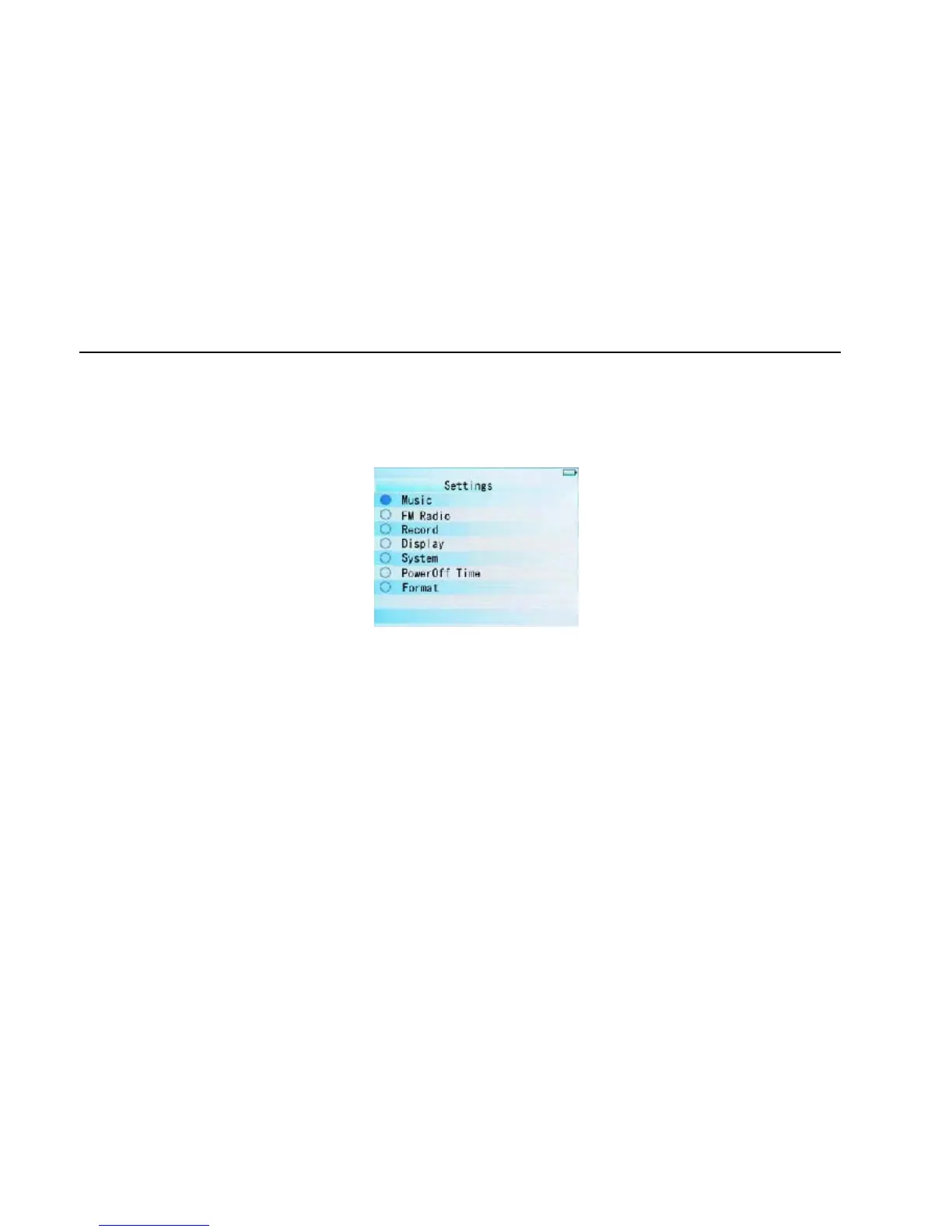
In Main Interface, push leftwards or rightwards to select [Settings] option, short press "M" key to
enter Setting interface (shown in right bottom), and select the sub-option to be set by pushing
Leftwards or rightwards .
Display
①Blight time: six options of 5 sec., 10 sec., 15 sec., 20 sec., 30 sec., and always on.
②Lum: five options of +1, +2, +3, +4 and +5, the higher level, the more bright.
③Blight mode: two options of Normal and Power Save modes.
System
Four sub-options: Language, about, Upgrade and Default set.
①Language: three options of Simplified Chinese, Traditional Chinese and English
11



 To Next Page