To specify side A or B for play:
Side A refers to the upper side of a disc loaded in the table, and
B side refers to the reverse side. This is different from the actual
A and B sides ofthe disc.
To play side A only, press the DISC SIDE A without pressing
~/II.
After side A has finished, the player stops. To play side B
only, press the DISC SIDE B without pressing
-'/11.
After side B
has finished, the player stops.
Indications when disc sides change
eWhen changing from side A to side B
Side A - - - - - - - - - ,
I
Side B - - - - - - - - -
j...,J
eWhen changing from side B to side A
SideA ---------~
I
Side B - - - - - - - - - ~
Since the picture circuit is deactivated and the interference
between signals is eliminated with the Direct CD function, more
pure sound can be reproduced.
e When the Direct CD function is activated, the player does not
display information on the monitor screen.
eln Direct CD mode, time for starting play becomes short
compared with that of normal play operation.
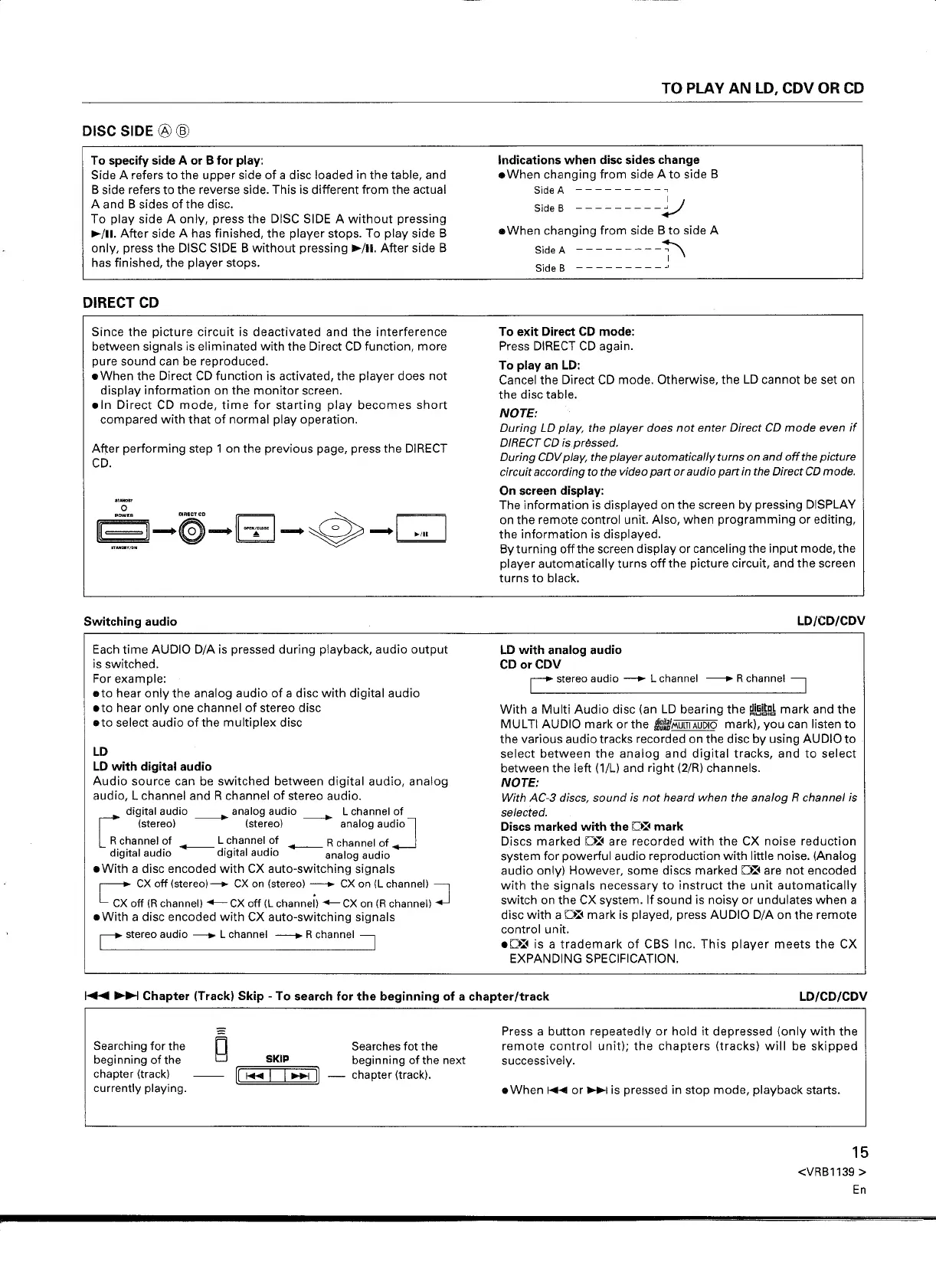
Afi:er performing step 1 on the previous page, press the DIRECT
CD.
Each time AUDIO D/A is pressed during playback, audio output
is switched.
For example:
eto hear only the analog audio of a disc with digital audio
eto hear only one channel of stereo disc
eto select audio of the multiplex disc
LD
LD with digital audio
Audio source can be switched between digital audio, analog
audio, L channel and R channel of stereo audio.
c:
digital audio _ analog audio _ L channel of
(stereo) (stereo) analog audio
l
Rchannel?f _ L.channel?f _ R channel of
-J
digital audio digital audio analog audio
e With a disc encoded with CX auto-switching signals
C
ex
off (stereo)_
ex
on (stereo) -
ex
on (L channel)
J
ex
off (Rchannel) -
ex
off (L channel) --
ex
on (R channel)
e With a disc encoded with CX auto-switching signals
r
stereo audio - L channel -- Rchannel
::=J
To exit Direct CD mode:
Press DIRECT CD again.
To play an LD:
Cancel the Direct CD mode. Otherwise, the
LD
cannot be set on
the disc table.
NOTE:
During LD play, the player does not enter Direct CD mode even if
DIRECT CD ispr~ssed.
During CDV play, the player automatically turns on and off the picture
circuit according
to
the video part or audio part in the Direct CD mode.
On screen display:
The information is displayed on the screen by pressing DISPLAY
on the remote control unit. Also, when programming or editing,
the information is displayed.
By turning off the screen display or canceling the input mode, the
player automatically turns off the picture circuit, and the screen
turns to black.
LD with analog audio
CDorCDV
r
stereo audio -.. L channel -- Rchannel
::=J
With a Multi Audio disc (an
LD
bearing the
!l.i!i~p~
mark and the
MULTI AUDIO mark or the t.J~~MUlTIAUDIO mark), you can listen to
the various audio tracks recorded on the disc by using AUDIO to
select between the analog and digital tracks, and to select
between the left (1/L) and right (2/R) channels.
NOTE:
With AC-3 discs, sound is not heard when the analog R channel is
selected.
Discs marked with the
D~
mark
Discs marked D~ are recorded with the CX noise reduction
system for powerful audio reproduction with little noise. (Analog
audio only) However, some discs marked D~ are not encoded
with the signals necessary to instruct the unit automatically
switch on the CX system. If sound is noisy or undulates when a
disc with a D~ mark is played, press AUDIO D/A on the remote
control unit.
eD~ is a trademark of CBS Inc. This player meets the CX
EXPANDING SPECIFICATION.
Searching for the
beginning of the
chapter (track)
currently playing.
Searches fot the
SKIP beginning of the next
II
1+1I
I I ~
II -
chapter (track).
Press a button repeatedly or hold it depressed (only with the
remote control unit); the chapters (tracks) will be skipped
successively.
15
<VRB1139 >
En


 To Next Page
 Loading...