TYPES OF DISCS THAT CAN BE PLAYED WITH
THIS UNIT
The CD VIDEO SYSTEM is the standard name for the" optical video
disc with digital audio" system that encompasses both LDs and
CDV discs.
The following mark is the standard mark for the CD VIDEO SYSTEM
and is found on all players and discs which conform to the CD
VIDEO SYSTEM format.
The following systems are included in the CD VIDEO SYSTEM:
<.!!it
»
CD VIDEO
.CDV (CD VIDEO CDV) discs
• LaserVision Discs (CD VIDEO LDs) containing digital audio with
sub codes.
• Compatible players which can play CDs and CDV discs .
• Compatible players which can play CDs, CDV discs, and LDs.
CD VIDEO LDs
A CD VIDEO LD is an LD with digital audio which is encoded with
sub codes (data such as TOC and track number data, excluding
audio and video signals).
Two types of standard LaserDisc are available - standard play
(CAV) disc and extended play (CLV) discs - which differ with
respect to their signal recording systems.
CAVDISCS
The jackets and labels ofthese discs are marked with a "Standard
Play Disc CAV" or "Standard Play" indication.
CLVDISCS
The jackets and labels ofthese discs are marked with "Extended
Play Disc CLV" or Extended Play" indication.
LASERVISION DISCS WITH DIGITAL AUDIO
The jackets and labels of these discs bear the following mark.
diGital
RUDie
diuital
SOUND
These are LaserDiscs which contain digital audio signals in addition
to conventional analog audio signals. This feature allows the high
image quality of LaserDiscs to be enjoyed together with the
superior quality of digital audio.
LASERVISION MULTI AUDIO DISCS WITH DIGITAL AUDIO
The jackets and labels of these discs bear the following mark.
~i~~p!
and MULTI AUDIO or dJWU}MUlTIAUDIO
These are LaserDiscs in which the recorded digital and analog
audio signals differ in content. This allows the user to enjoy two
different audio soundtracks by switching between the digital and
analog audio.
These are compact discs which also contain video signals. Ofthe
total 25-minute playback time of a CDV disc, 20 minutes are
encoded with conventional CD digital audio signals (the "audio
part"). The remaining 5 minutes are encoded with both video and
digital audio signals (the "video part").
In normal playback mode, the unit plays the audio part after the
video part is played back.
8
<VRB1139>
En
I
CARE OF DISCS
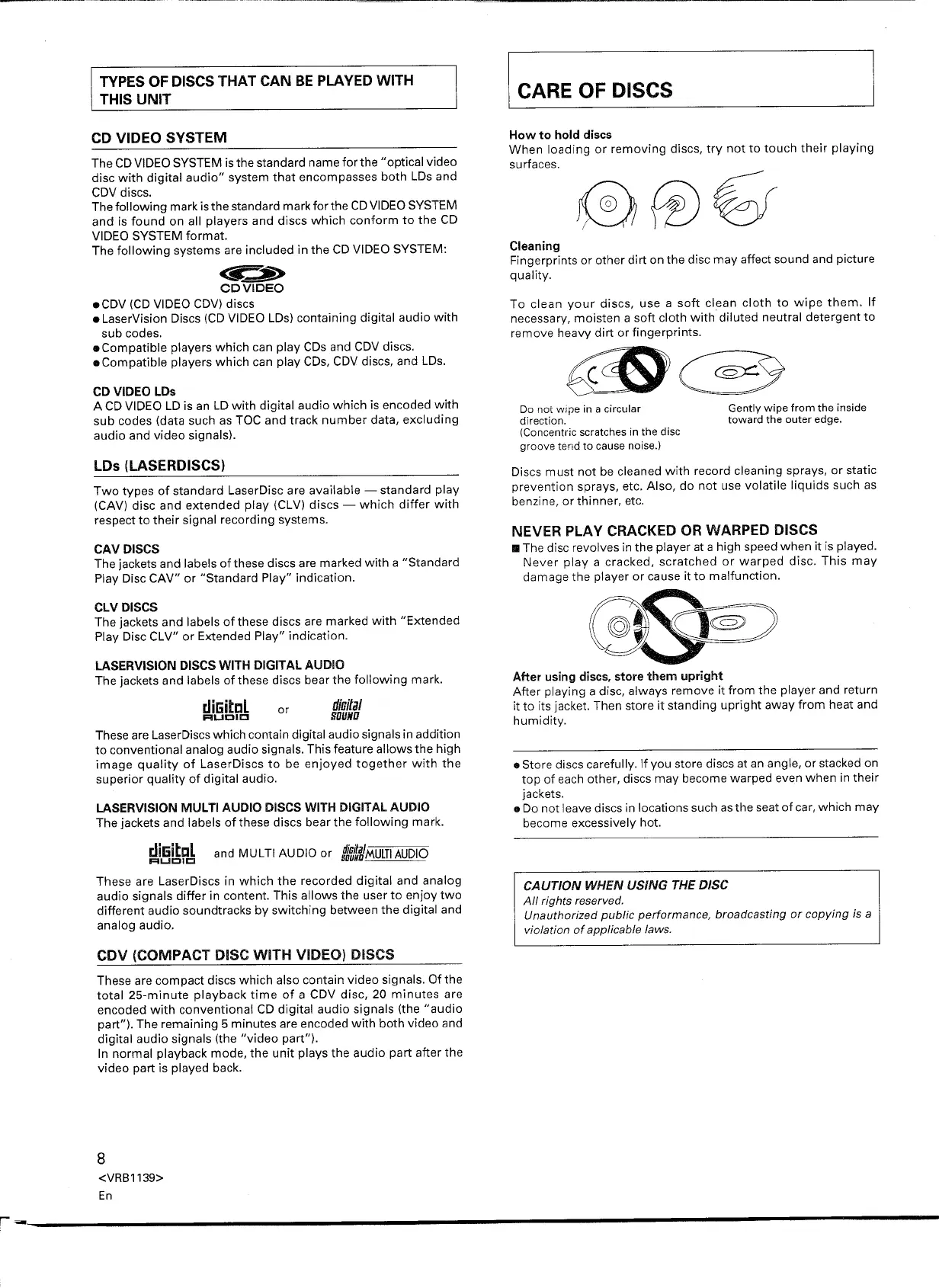
How to hold discs
When loading or removing discs, try not to touch their playing
surfaces.
Cleaning
Fingerprints or other dirt on the disc may affect sound and picture
quality.
To clean your discs, use a soft clean cloth to wipe them. If
necessary, moisten a soft cloth with diluted neutral detergent to
remove heavy dirt or fingerprints .
Do not wipe in a circular
direction.
(Concentric scratches in the disc
groove tertd to cause noise.)
Gently wipe from the inside
toward the outer edge.
Discs must not be cleaned with record cleaning sprays, or static
prevention sprays, etc. Also, do not use volatile liquids such as
benzine, or thinner, etc.
NEVER PLAY CRACKED OR WARPED DISCS
•• The disc revolves in the player at a high speed when it is played.
Never playa cracked, scratched or warped disc. This may
damage the player or cause it to malfunction.
After using discs, store them upright
After playing a disc, always remove it from the player and return
it to its jacket. Then store it standing upright away from heat and
humidity.
• Store discs carefully. If you store discs at an angle, or stacked on
top of each other, discs may become warped even when in their
jackets.
• Do not leave discs in locations such as the seat of car, which may
become excessively hot.
CAUTION WHEN USING THE DISC
All rights reserved.
Unauthorized public performance, broadcasting or copying is a
violation of applicable laws.


 To Next Page
 Loading...