16
Preparing the calibration check
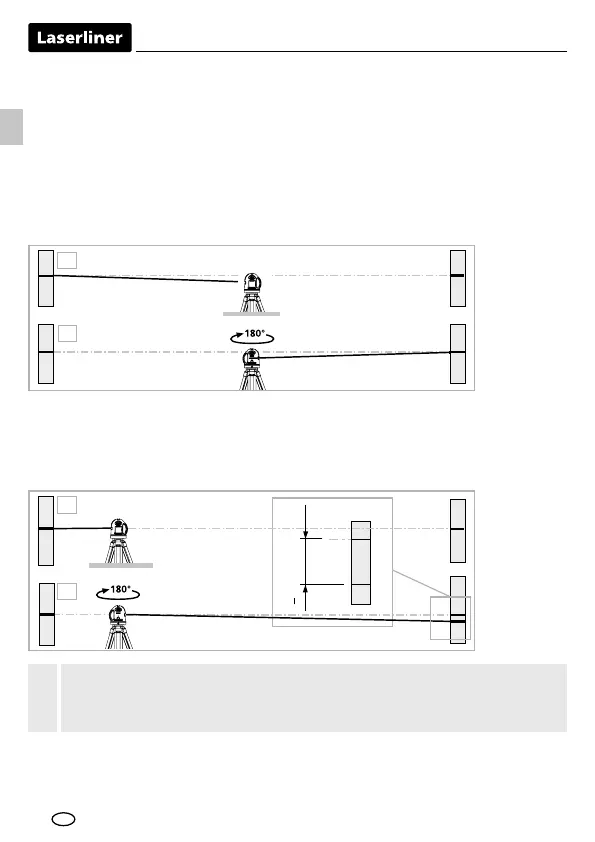
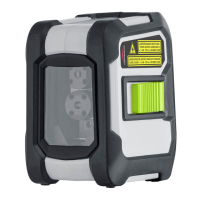
It is possible for you to check the calibration of the laser. To do this, position
the device midway between 2 walls, which must be at least 5 metres apart.
Switch the device on (LASER CROSS ON). The best calibration results are
achieved if the device is mounted on a tripod.
A1
A2
2.
1.
A3
A2
A2
A1
4.
3.
A3
A2
<
0,35 mm / m = OK
Performing the calibration check
3. Position the device as near as possible to the wall at the height of point A1.
4. Turn the device through 180° and mark point A3. The
difference between points A2 and A3 is the tolerance.
1. Mark point A1 on the wall.
2. Turn the device through 180° and mark point A2. You now have a horizontal
reference between points A1 and A2.
When A2 and A3 are more than 0.35 mm / m apart, an adjustment
is necessary. Contact your authoriseddealer or else the UMAREX-
LASERLINER Service Department.
!
EN



 To Next Page