08
LASER LASER LASER LASER
6
5
4
3
2
1
2
GB
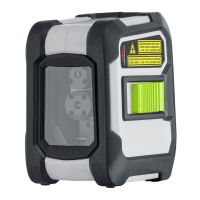
The transport restraint must be released for horizontal
and vertical levelling. The LED shows a permanent
green light. The laser lines ash and the LED lights red
as soon as the device is outside the automatic levelling
range of 5°. Position the device such that it is within
the levelling range. The LED switches back to green
and the laser lines stop ashing (steady light).
!
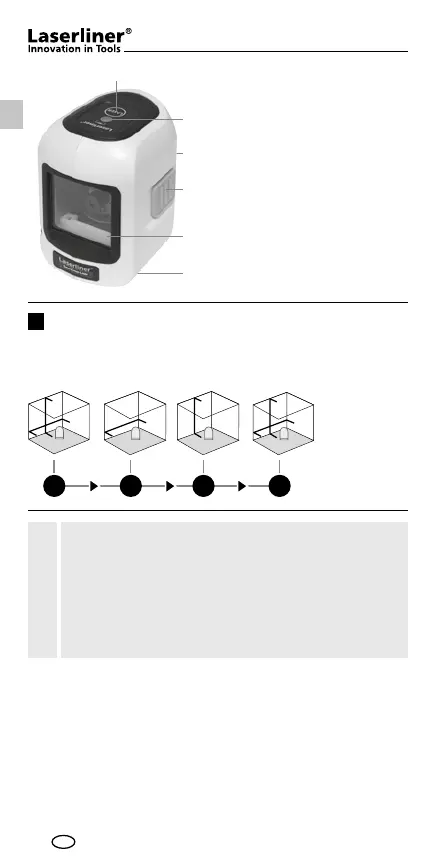
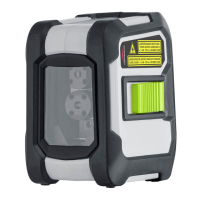
Laser line selection button
LED levelling
red: levelling off
green: levelling on
Battery compartment
(backside)
ON / OFF switch,
transport retainer
Laser output windows
1/4“ tripod threads
(bottom)
1
2
3
4
5
6
Horizontal and vertical levelling
Release the transport restraint, set the ON/OFF switch to „ON“.
The laser cross will appear. The laser lines can be switched
individually with the selection button.



 To Next Page