Laserworld CS-1000RGB Laserworld CS-1000RGB
10 / 45 11 / 45
C: Deactivate Master setting on Slave lasers
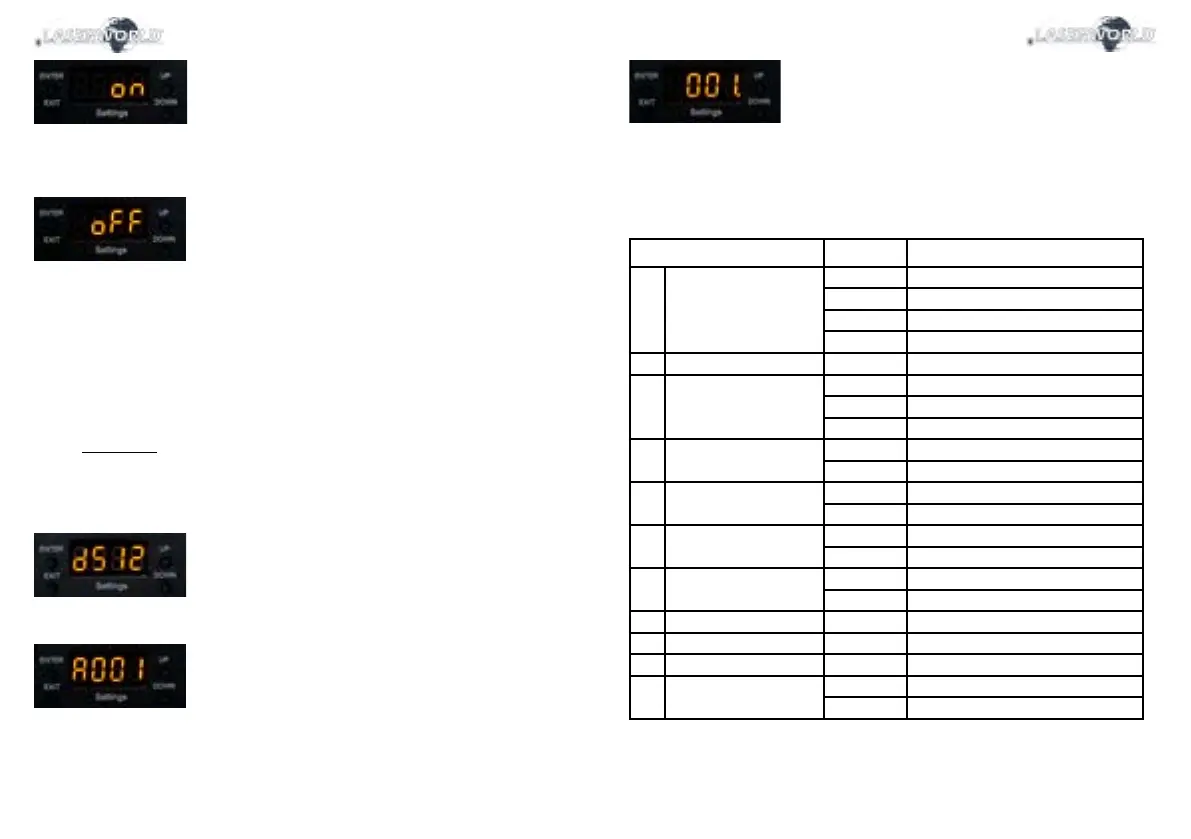
As soon as the Master option is set to „on“, the laser sends out the control signal for the Slave
units. Make sure that all Slave units have the Master setting set to „o“:
D: Set Sound-to-Light or Auto mode on Master laser
To use the Master-Slave operation: Set the Master to either Sound-to-Light mode (8.2.1) or Auto
mode (8.2.2.).
E: Establish link to Slave lasers
The Slave units must be set to DMX („d512“) mode and must be assigned address 001 (see 8.2.4.
DMX 512)
8.2.4. DMX 512
The DMX mode requires a DMX controller or a Master laser (see 8.2.3. Master-Slave operation) to
be connected to the laser.
To switch to DMX mode, select „d512“ by navigating with the „Up“ / „Down“ buttons and conrm
with „Enter“:
The submenu for setting the DMX address loads:
Press „Enter“ and the „Up“ / „Down“ buttons to set the desired DMX address.
Conrm with „enter“ and press „Exit“ to return to the main menu.
DMX Chart
The laser uses 13 DMX channels, so make sure that the next device uses an address that doesn’t overlap
with this range.
Channel Value Function
1 Operation mode 0 - 49 Laser o
50 - 99 Sound-to-Light mode
100 - 149 Stand-alone mode
150 - 255 DMX mode
2 Pattern select 0 - 255 Pattern selection
3 Rotation (Z-axis) 0 - 127 Rotation angle selection
128 - 191 Rotation counter-clockwise speed
192 - 255 Rotation clockwise speed
4 Rotation X-axis 0 - 127 Rotation X position steps
128 - 255 Rotation X automatic
5 Rotation Y-axis 0 - 127 Rotation Y position steps
128 - 255 Rotation Y automatic
6 Oset X-axis 0 - 127 Oset X position steps
128 - 255 Movement X automatic
7 Oset Y-axis 0 - 127 Oset Y position steps
128 - 255 Movement Y automatic
8 Size X 0 - 255 Size X from big to small
9 Size Y 0 - 255 Size Y from big to small
10 Drawing eect 0 - 255 Drawing speed
11 Scan speed / Points 0 - 127 Scan speed
128 - 255 Point speed



 To Next Page