Laserworld CS-1000RGB Laserworld CS-1000RGB
12 / 45 13 / 45
Channel Value Function
12 Color change 0 - 24 Original color
25 - 49 Purple
50 - 74 Red
75 - 99 Yellow
100 - 124 Green
125 - 149 Cyan
150 - 174 Blue
175 - 199 White
200 - 224 Automatic color change eect
225 - 255 Multi color step through
13 Color speed 0 - 255 Speed adjustment for automatic
color change eect and multi color
step through
8.2.5. SETTINGS
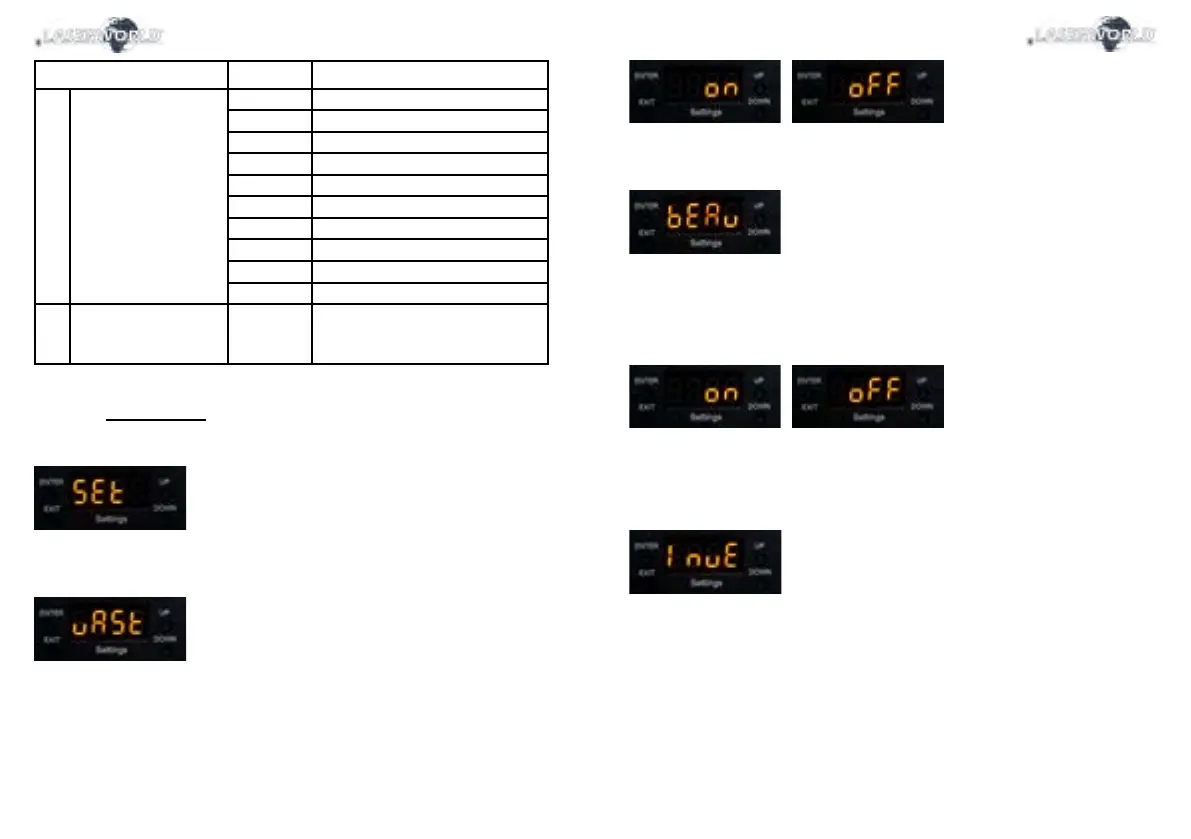
To access the settings, select „SEt“ by navigating with the „Up“ / „Down“ buttons and conrm with
„Enter“:
The settings menu holds several conguration options for the laser system.
Master Setting
The „uAST“ menu allows for the activation and deactivation of the Master mode for the laser. If
the laser is set to Master > On, then it can be used as Master device in a Master-Slave setup. See
more in „8.2.3. Master-Slave“.
Press „Enter“ to change the settings. Use the „Up“ / „Down“ button to change the selection.
Conrm with „Enter“.
Safety Setting
The „bEAu“ menu can switch the beam block safety on and o. The beam block safety prevents
that very intense, single beams can be displayed. It is highly recommended to not switch this
feature o. Switching o the beam block safety is at your own risk! Lasers with switched o beam
block safety may only be used in safe areas.
Always respect the local laws!
Press „Enter“ to change the settings. Use the „Up“ / „Down“ button to change the selection.
Conrm with „Enter“.
Orientation Setting
The „InvE“ menue controls the orientation of the projection. You can invert the projection and ip it
to match the orientation of the laser with the content.
Press „Enter“ to change the settings. A test picture is shown to represent the currently set orientati-
on. Use the „Up“ / „Down“ button to change the selection, and conrm the selection with „Enter“ to
change the test picture projection



 To Next Page