8.2. Music mode, Sound-to-light operation
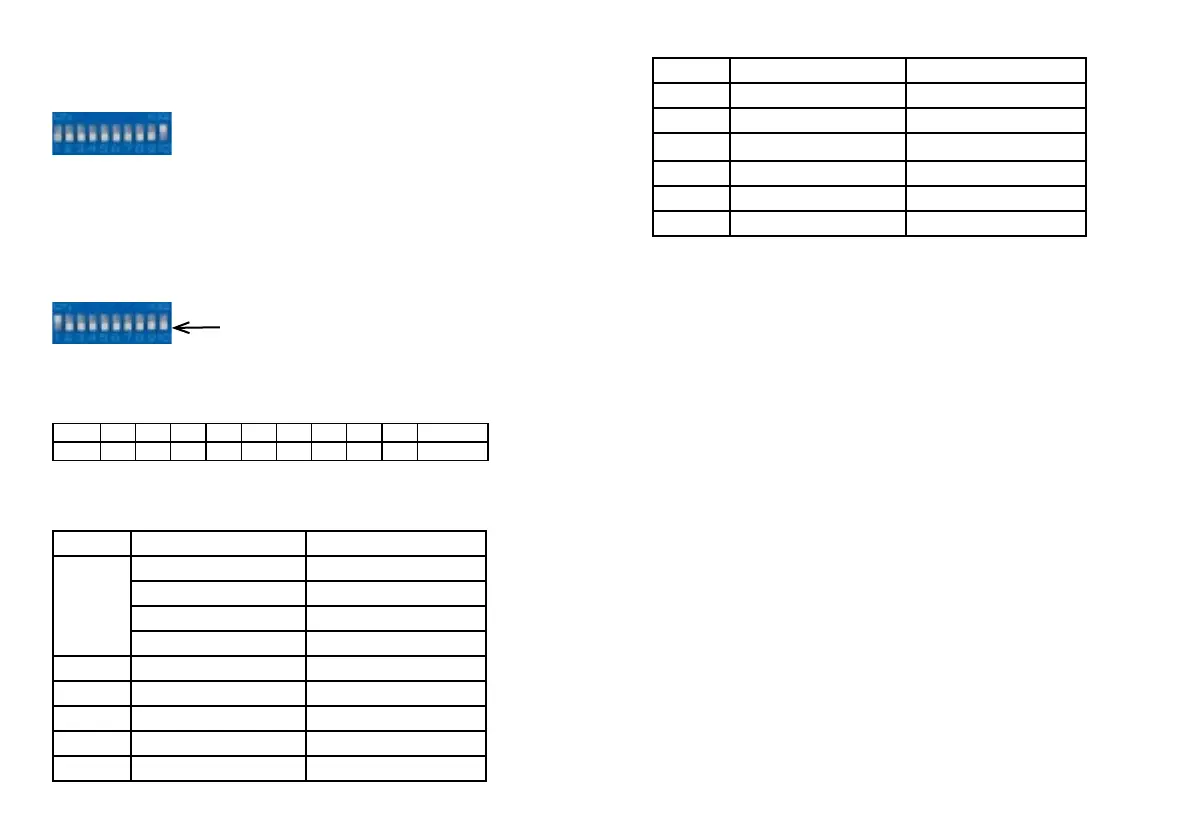
Your device runs in music mode:
Control the music-sensitivity with the trim pot at the back panel. The LED is as-
hing when the device is triggered.
8.3. DMX-512 mode
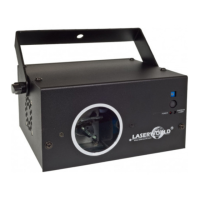
Switch 10 must be set to „o“, the other switches are used for setting the DMX
address:
Connect a DMX controller to operate the laser.
Use the switches 1 - 9 to set the DMX address of the laser. Each switch represents a
number. To dene a number use the preceding number and multiply it by 2:
Switch 1 2 3 4 5 6 7 8 9 10
Number 1 2 4 8 16 32 64 128 256 Mode Switch
The laser uses 12 DMX channels, so make sure that the next device uses an address
that doesn’t overlap with this range.
Channel Value Function
1 0 - 69 Laser o
70 - 139 Sound mode
140 - 209 Automatic mode
210 - 255 DMX mode
2 0 - 255 Pattern selection
3 0 - 255 Strobe eect
4 0 - 255 Point speed
5 0 - 255 x axis positioning
6 0 - 255 y axis positioning
Channel Value Function
7 0 - 255 Zoom / size
8 0- 255 Color
9 above 200 Reset
10 1 - 255 Rotate x axis
11 1 - 255 Rotate y axis
12 1 - 255 Rotate z axis
Please note that a pattern can not necessarily be combined with each eect.
8.4. Turn laser o
To turn o the device switch it o („OFF“), switch the key to „OFF“ and disconnect
the power cable from the mains.


 To Next Page