Proline Kryomats
84 Starting up YAUE0007 / 2/26/2009
7.13 RS 232/ RS 485 Interface
7.13.1 Connecting cables and interface test RS 232
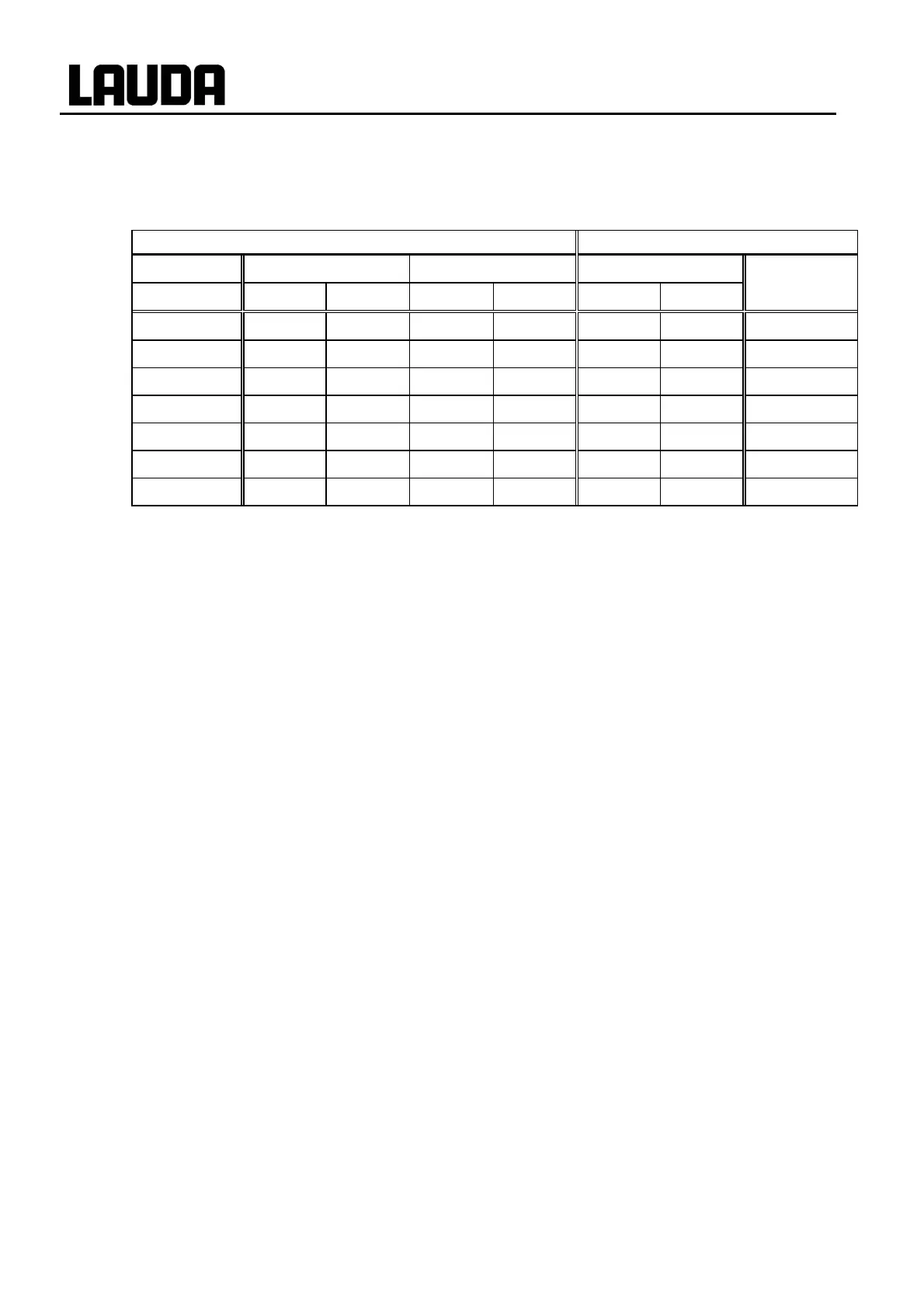
Computer Thermostat
Signal 9-pin sub-D-socket 25-pin sub-D-socket 9-pin sub-D-socket Signal
c d c d c d
R x D 2 2 3 3 2 2 T x D
T x D 3 3 2 2 3 3 R x D
DTR 4 20 4 DSR
Signal Ground 5 5 7 7 5 5 Signal Ground
DSR 6 6 6 DTR
RTS 7 4 7 CTS
CTS 8 5 8 RTS
c with hardware handshake: For connecting a thermostat to the PC use 1:1 cable and not a null-
modem cable!
d without hardware handshake: the computer / PC must be set to the operating mode “without hard
ware handshake”.
)
− Use screened connecting cable.
− Connect screen to connector case.
− The connections are galvanically isolated from the rest of the electronics.
− Any pins not in use must not be connected!
When a PC is connected up the RS232 interface can easily be tested using the Microsoft Windows
operating system. On Windows
®
95/ 98/ NT/ XP with the “Hyper Terminal” program.
7.13.2 Protocol RS 232
)
− The interface operates with one stop bit, no parity bit and 8 data bits.
− Transfer rate either 2400, 4800, 9600 (factory setting) or 19200 baud as selected.
− The RS232 interface can be operated with or without hardware handshake,
(RTS/CTS).
− The command from the computer must be terminated with CR, CRLF, or LFCR.
− The response of the thermostat is always terminated with CRLF.
CR = Carriage Return (Hex: 0D)
LF = Line Feed (Hex: 0A)



 To Next Page