RADIO OPERATION
AUTOMATIC TUNING
1. Press the “STANDBY / FUNC.” button to select “RADIO” mode.
2. Press and hold the “SKIP + / Tun +” or “SKIP - / Tun -” button over 3 seconds to start
automatic tuning process.
3. When a station is tuned in the tuning process, it will stop automatically and you can listen to
your desired station.
AUTOMATIC MEMORY STATIONS (AMS)
1. Press and hold the "MODE / AMS" button on unit for about 2-3 seconds to start the
automatic preset process.
2. Display will show the memory sequence number and radio stations will be automatically
preset into the sequence number (Note: Each sequence number means 1 preset station while
during automatic preset process.)
3. Once all the stations were automatic preset, press the “Pre +” or “Pre -“button to choose
preset stations.
MANUAL TUNING
It is for selecting stations, which cannot be tuned automatically. (manual selection)
To tune a channel manually.
- Skip step 4 in the above “AUTOMATIC TUNING” procedures.
- In step 3, each time the “SKIP + / Tun +” or “SKIP - / Tun -” button is pressed momentarily
(0.5 second or less), the frequency changes by a fixed step:
FM: 0.1 MHz steps
MANUAL MEMORY PRESET
1. Choose the desired station by following "AUTOMATIC TUNING" or “MANUAL TUNING” step
1 to 3 procedure.
2. Press "MODE / AMS" button to enter manual preset station setting.
3. Display will show “P01” flashing.
4. Press “SKIP + / Tun +” or “SKIP - / Tun -” button to choose preset station number.
5. Press "MODE / AMS" button to confirm chosen preset station number.
6. Once all the stations were preset, press the “PRE - / FOLDER -” or “PRE + / FOLDER
+“button to choose your desired station.
.
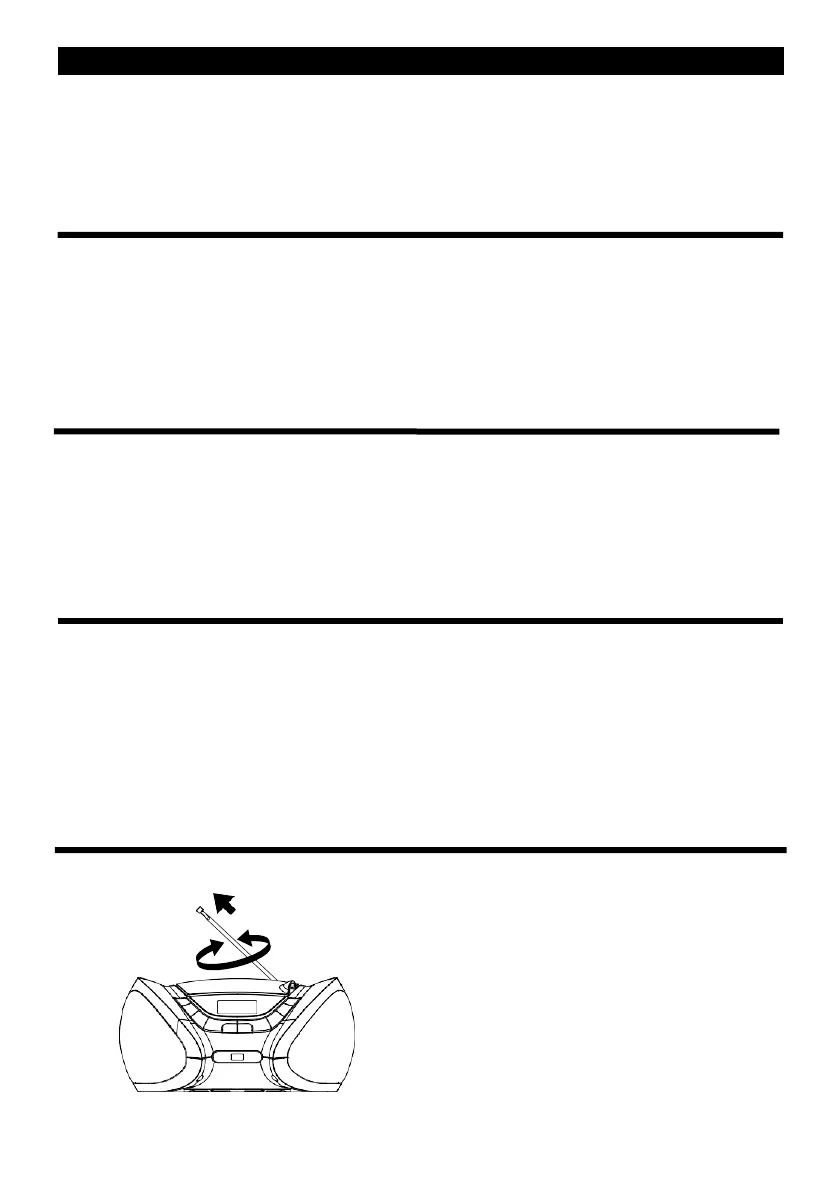
FOR BETTER RECEPTION
- Reorient the antenna for better reception


 To Next Page