USB OPERATION
GENERAL OPERATION
PLAY / PAUSE Press to start playing tracks from the USB.
Press again to stop playing USB operation temporarily. Press again
to resume playback.
SKIP + & Press to go to the next track or back to the previous track.
SKIP - Press and hold while playing until you find the point of the sound. STOP
Press to stop all USB operation.
PLAYBACK
1. Plug or slot in USB device to the port.
2. Press the “STANDBY / FUNC.” button to select “USB” mode.
3. The LCD will display “READING” while the stereo scans for MP3 from the USB device. The LCD
will display the total number of the folders of MP3 files and start the playback automatically.
4. Press the “PLAY / PAUSE” button again, when you want to stop playback temporarily.
5. Press the “STOP” button when finished. STOP
Press to stop all USB / SD operation.
6. Press the "STOP" button again to stop all USB / SD operation.
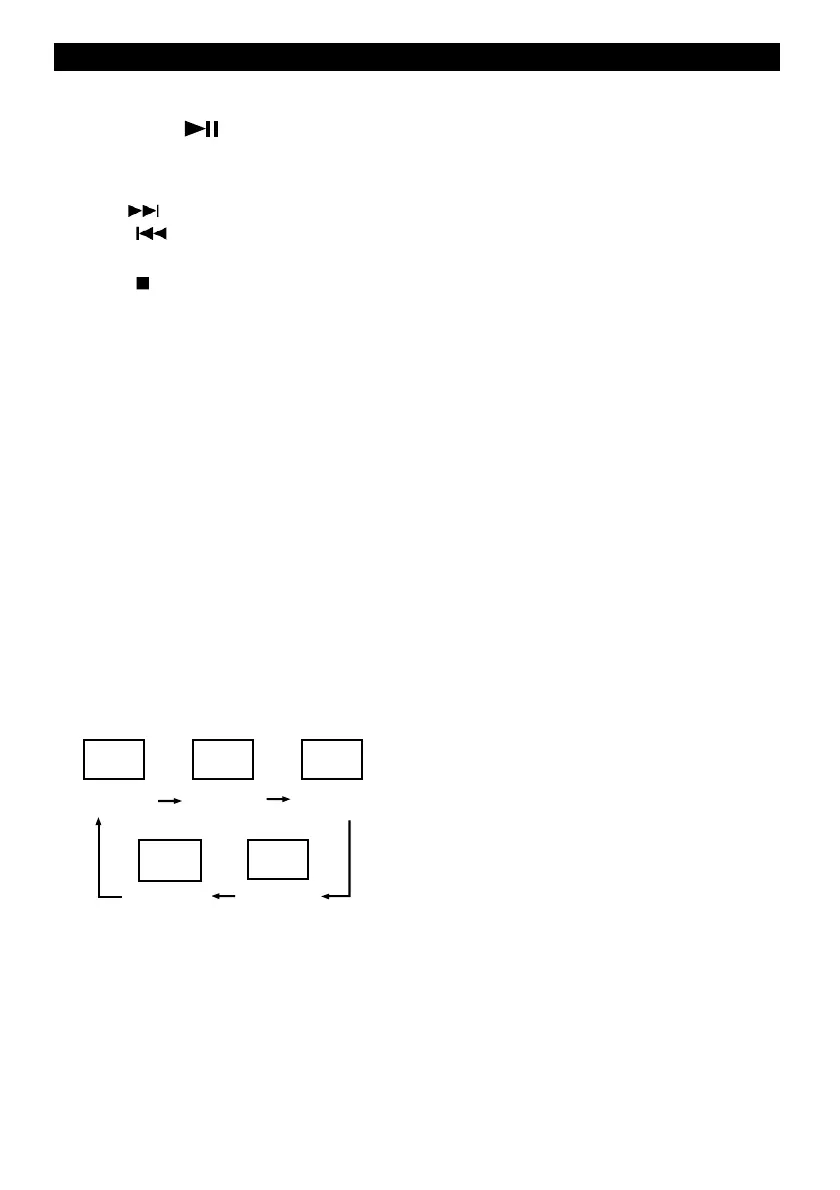
REPEAT
Press the “MODE” button during playing USB, 1 -
REPEAT 1 (FLASHING)
2 - REPEAT FOLDER ( *MP3 ONLY “ALBUM” )
3 - REPEAT ALL
4 - RANDOM
5 - NORMAL PLAYBACK
REPEAT 1
REPEAT
ALBUM
REPEAT
ALL
NORMAL
PLAYBACK
RANDOM


 To Next Page