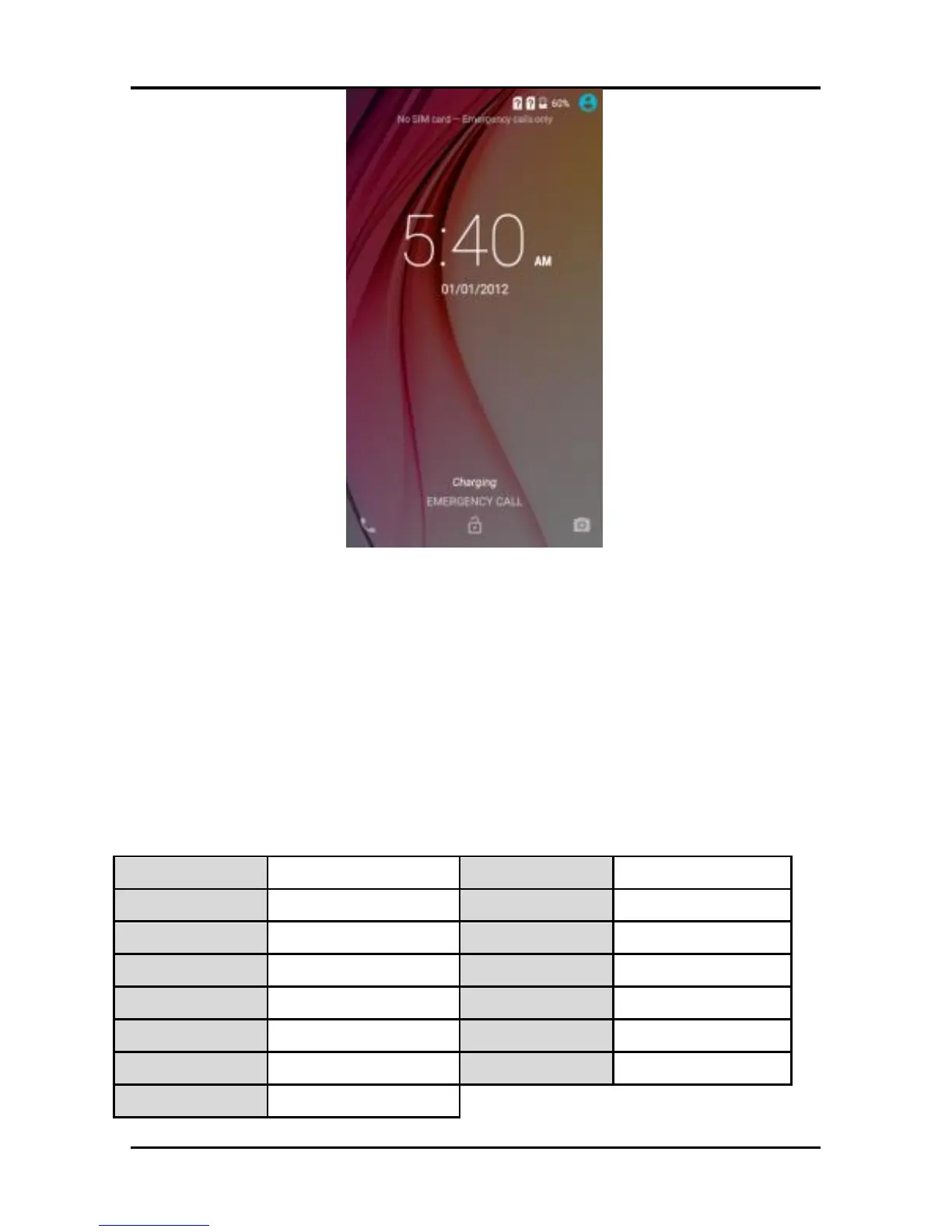
You may be required to unlock your phone based on the
unlock method in settings.
Smart awake:
A79 offers you smart awake function, when the screen is
locked, you can scroll gestures on the screen to unlock it to
enter into the designated application, or double click to wake
up the screen, go to Settings->Smart featuresSmart awake
to turn ON&OFF this function, you can also customize the
function of the letter gestures. Below please find the list of
the default function. The function is set off as default.



 To Next Page