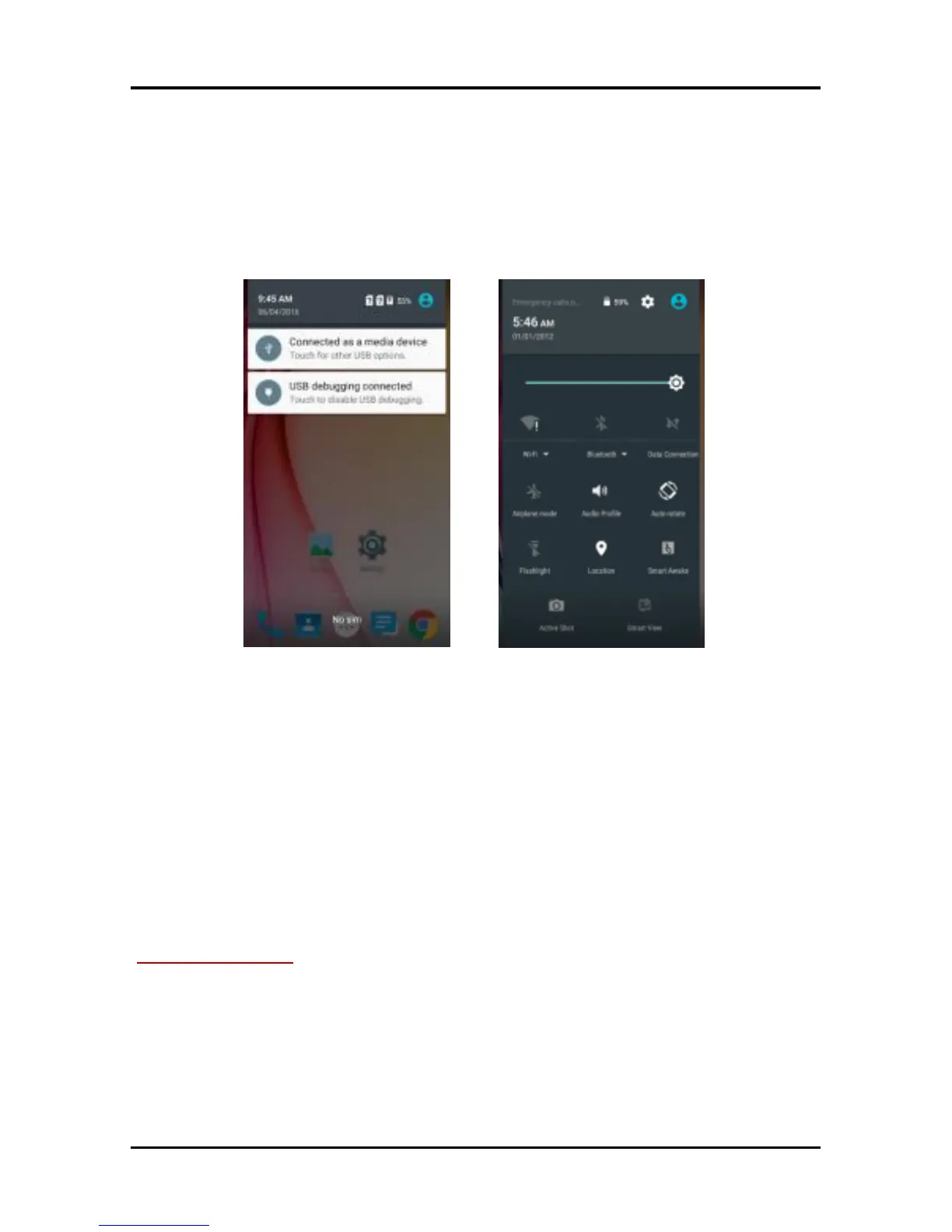
Notification icons inform you of new messages and events.
When you receive a notification, its icon appears in the status
bar, along with a summary that appears only briefly.
7.1. Open the Notifications Panel
Drag the status bar down from the top of the screen as shown
below:
The Notifications panel displays your network provider name
and a list of your current notifications.
7.2. Respond to Notifications
Open the notification panel and touch a notification to
respond to it. What happens next depends on the notification.
7.3. Close Notifications Panel
Drag the tab at the bottom of the Notifications panel to the
top of the screen. Or just press the back button. The panel
also closes when you touch a notification to respond to it.
8-MESSAGING
8.1. Message environment & Settings
You can use Messaging to exchange text messages and
multimedia messages with your friends.



 To Next Page