10-CONNECT TO NETWORKS AND DEVICES
Your phone can connect to a variety of networks and devices,
including Wi-Fi, GPRS, Bluetooth, devices, such as headsets.
You can also transfer files to/from your PC through the data
cable.
10.1. Connect to PC
You can connect your phone to PC via following options:
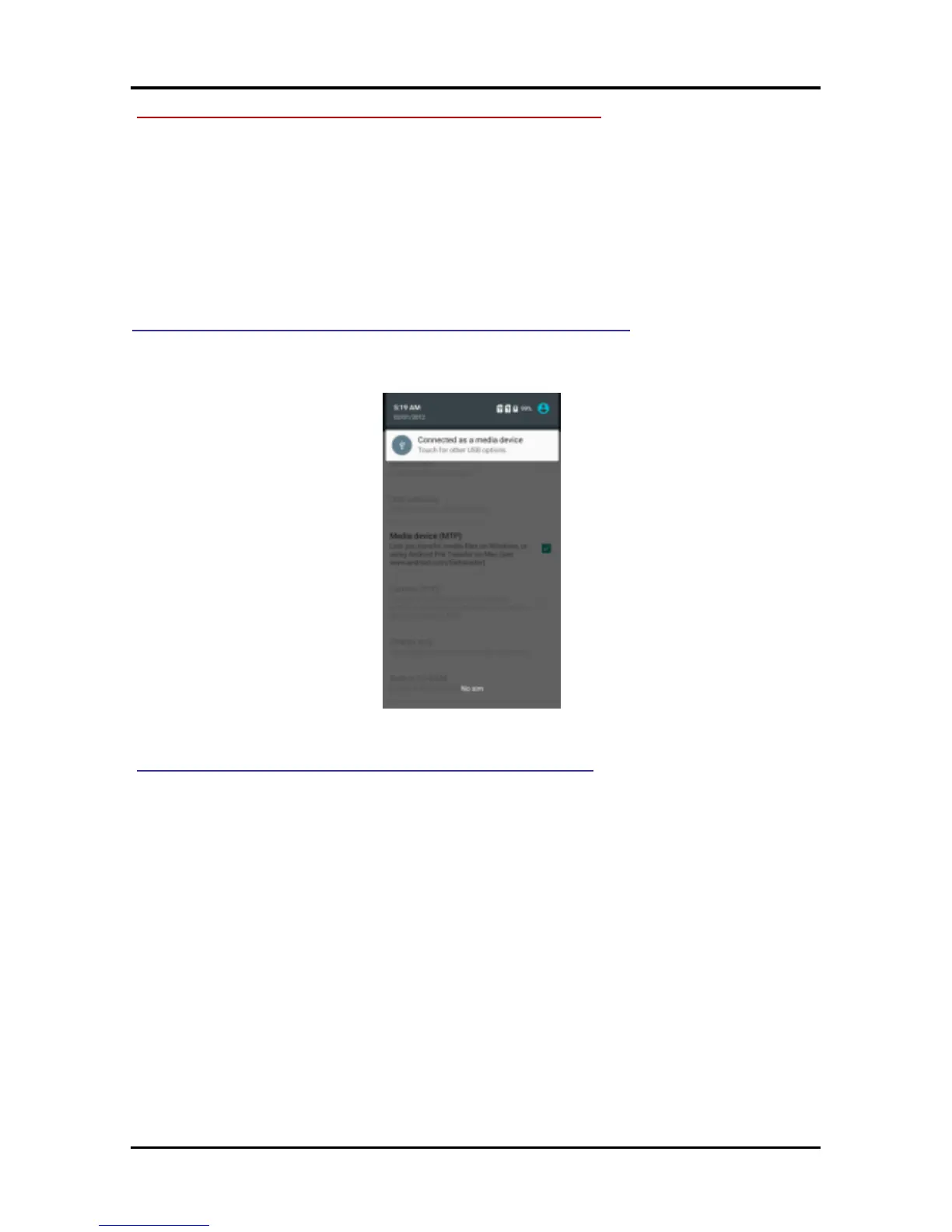
Case 1: When NO memory card in the device:
Connect the phone to your PC with the help of USB cable.
“Connected as a media device" notification will be shown.
Touch the notification, to change and connect to other modes.
Case 2: When memory card in the device:
In this case your phone will connect to PC with the help of
MTP mode but you can access the content of memory card by
selecting the option of USB storage.
After select USB storage option, the follow UI will be shown,
touch "Turn on USB storage".



 To Next Page