Lava
9
2.Getting Started
Please read the safety instructions in the "Safety
Information and Notices" section before use.
2.1 Inserting the SIM Card and the battery
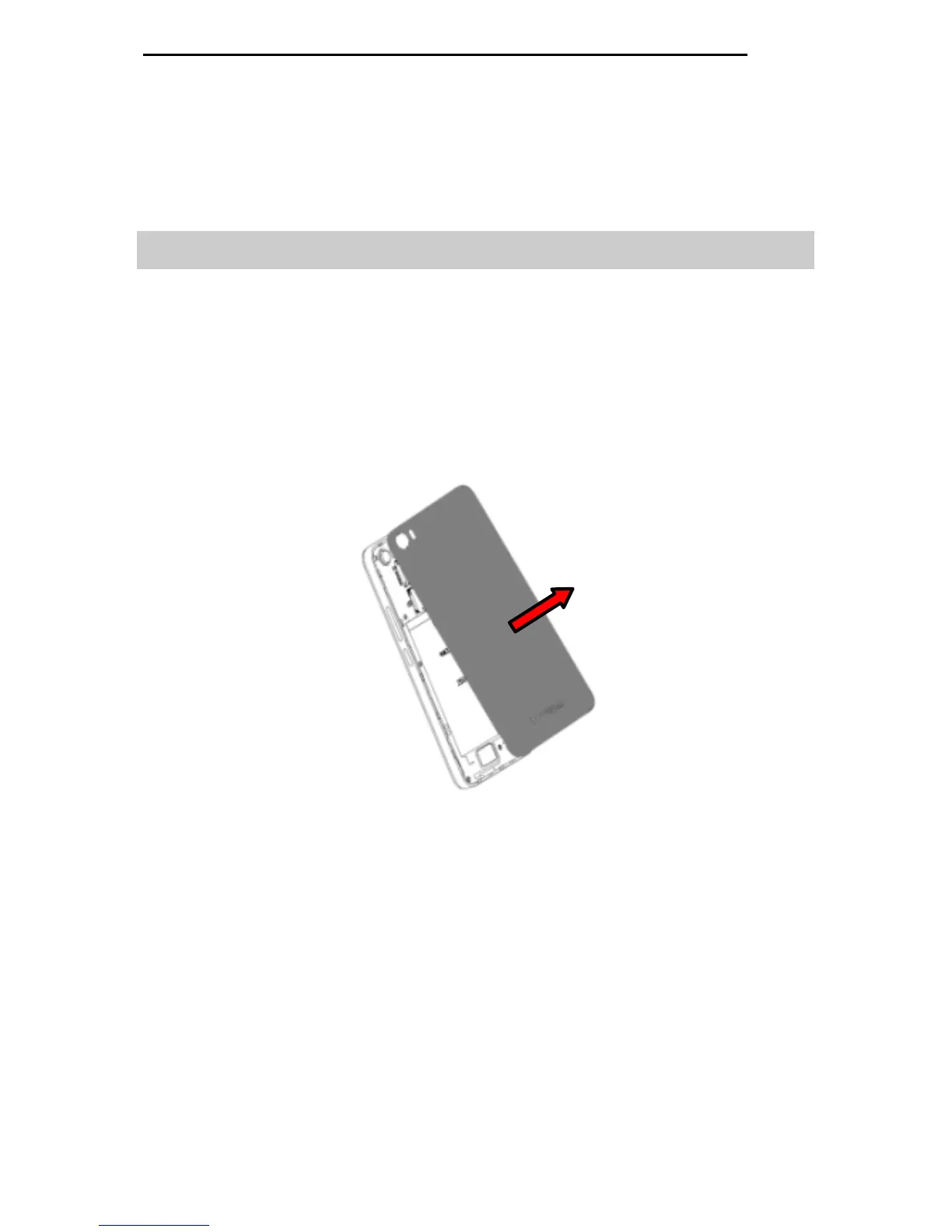
Remove the back cover
Make sure the phone is switched off. You need to remove
the back cover of your phone before you can insert the
SIM card. Hold the phone with the front facing downwards;
pull the battery cover downwards and lift the cover
upwards to remove it.
Insert the MicroSIM card
Open the slot cover, make sure that the clipped corner of
the MicroSIM card is facing the correct direction (clipped
corner at top left) and the metallic contacts are facing
downwards. Close the slot cover.



 To Next Page