Lava
10
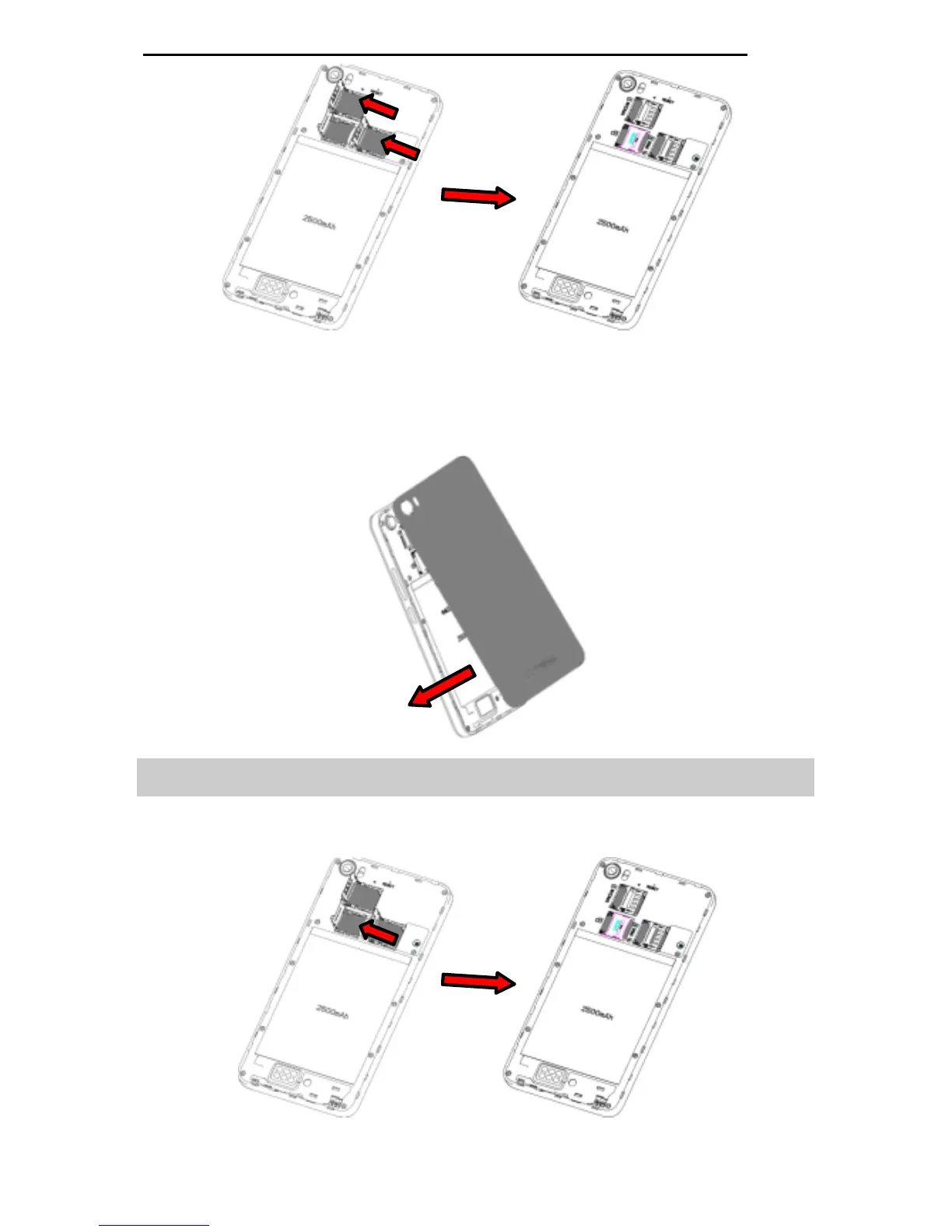
Install the back cover
Align and hook the back cover to the top of the battery slot
and then push the cover upwards
until it locks into place.
2.2 Inserting a SD (External Memory) Card
Open the slot cover, with the metal contacts facing down,
gently put the SD card into the slot. Close the slot cover.



 To Next Page