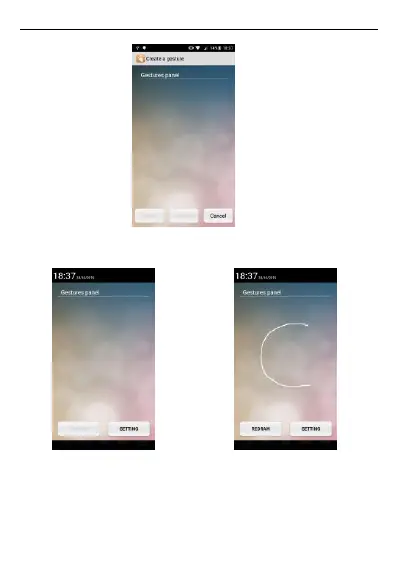
gesture on the gesture panel.
You can slide the custom gestures panel from top left corner of the display. Draw
the defined gesture> The phone will direct you to the app for which gesture has
been defined.
3.6. Motion gesture
Flip to mute
Alarm: Flip the phone to snooze the alarm when the alarm goes off.
Incoming call: Flip the phone to mute the incoming call.
Shake: shake the phone to answer when the call comes.



 To Next Page