3. GETTING STARED
Please read the safety instructions in the "Safety Information and Notices" section
before use.
3.1. Inserting the SIM card
LAVA P7 is a dual SIM mobile phone allowing you to use the facility of two
networks. To insert SIM card(s):
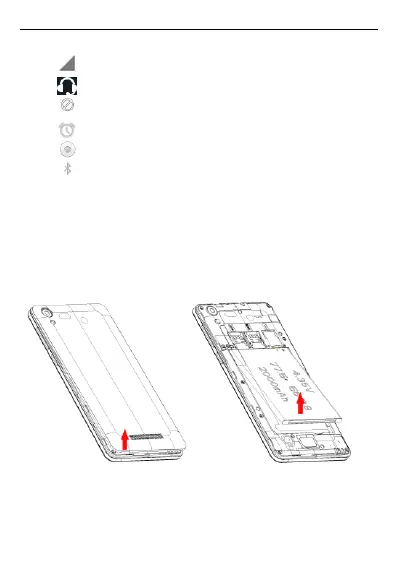
Switch off the mobile phone and remove the rear cover & battery.
Make sure that the clipped corner of the SIM/SD card is facing the correct
direction and the metallic contacts are facing downwards. Slide the SIM/SD card
into the card slot.



 To Next Page