Note: When pairing, please put the camera and mobile phone close
to the router. If camera is not in the red slow blinking after 30
seconds of powering on, press and hold the reset button for 5
seconds to reset, and then restart to pair the camera with the APP.
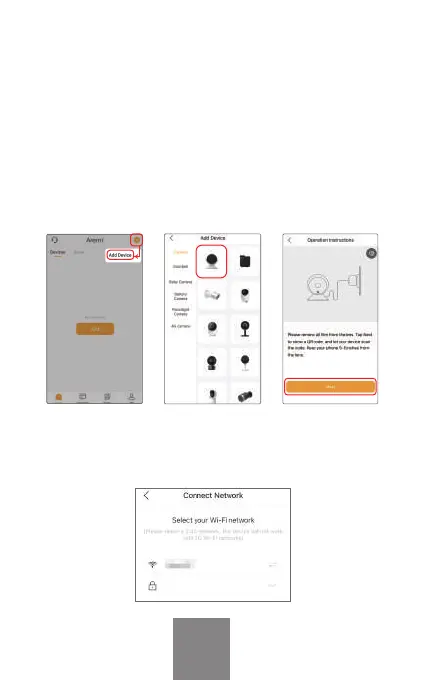
Open APP home page, Click "+" or "Add" and select icon
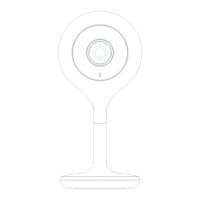
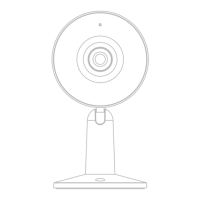
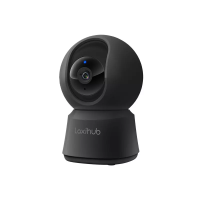
according to actual camera.
Power on the device. For about 30 seconds, the camera will
emit start-up tone and LED indicator will flash red slowly.
Select the Wi-Fi network and input the password, and then
click "Next". Make sure that your phone has connected to a
fluent and steady Wi-Fi alr
eady.
Pairing
EN
support@arenti.com



 To Next Page