1m
2m
3m
2m 10m
Installation
EN
EN
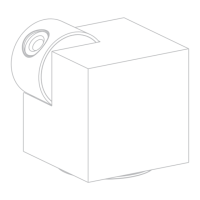
Find a position where you can get the desired field of view.
Consider the below factors:
1. Avoid direct sunlight.
2. Keep it in range of your router WiFi.
3. Avoid the front of the lens facing the plant or porch
light; Avoid facing a busy road.
4. Place it 2-3 meters (79-118 inch) above the ground -
close enough to see someone's face and talk to them
through the camera. Make sure that the camera can see
what you want to see.
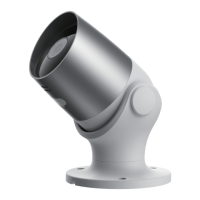
• Screw Bracket Installation
1. Fix the screw bracket on the wall with screws.
2. Install the device in the bracket and lock it with the
bottom screw.


 To Next Page