7 Delay Time Adjustment
After opening, the door should remain at the 90° position for no less than 5 seconds. This “Delay Time” can be increased to
approximately 30 seconds by turning the timer adjustment wheel(s) clockwise. For the location of this wheel(s), refer to 7900 or 7980
Series Control Box Instruction Sheet. Adjust “Delay Time” to maximum practical for the elderly or handicapped. Time cycle begins when
switch or scanner is activated.
8 Attach Cover
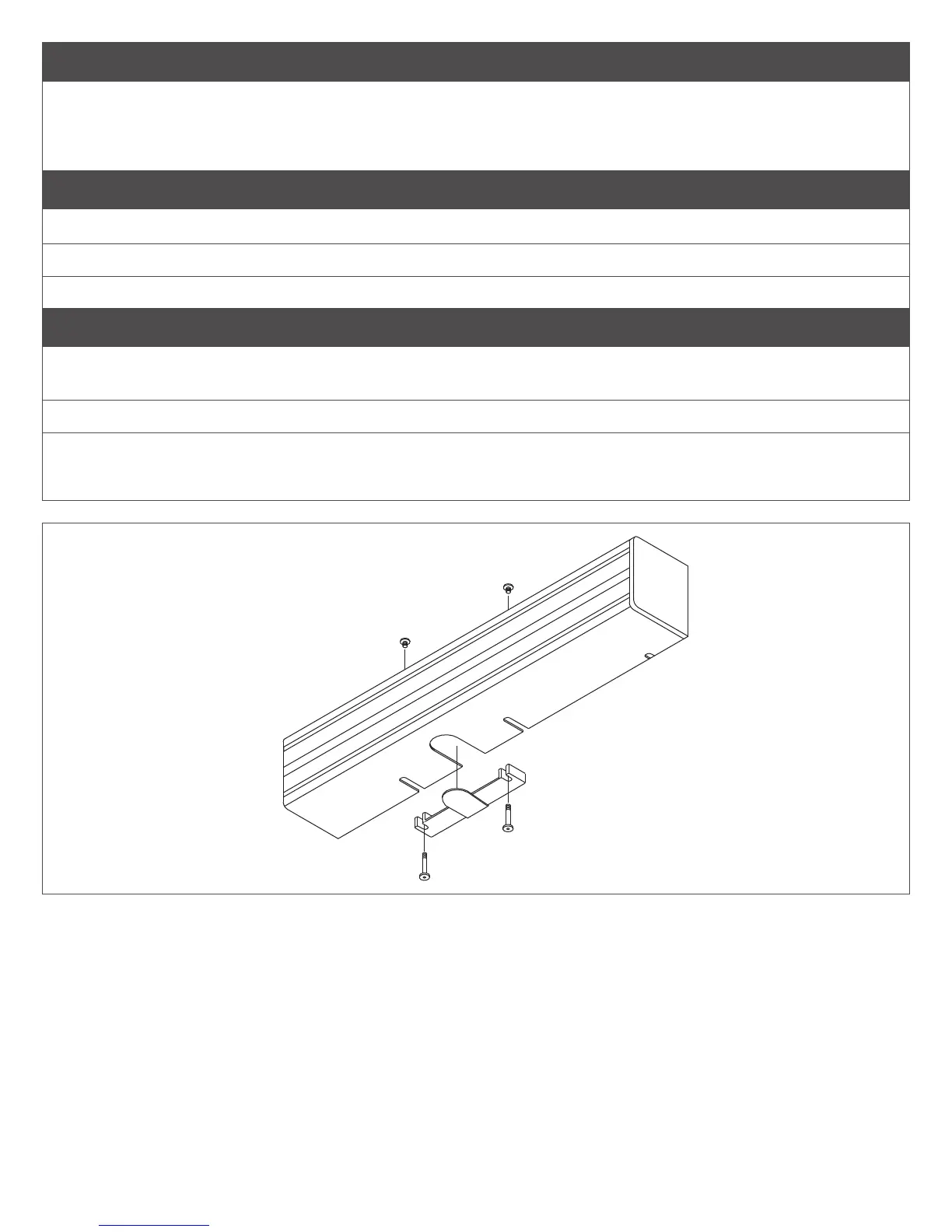
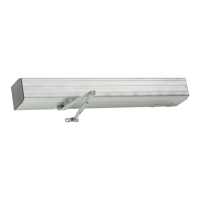
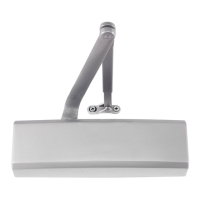
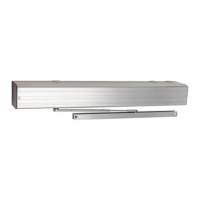
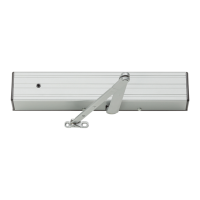
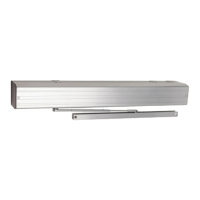
8a Slide cover insert into the bottom cutout in cover (see Figure 5).
8b Push cover over the operator assembly and against mounting plate.
8c Insert cover screws and tighten securely.
9 Locating the Caution/Automatic Door Decal
9a Locate one decal on each side of door near lock stile of door, approximately 18” min. to 42” max. above the oor. The
decal location must be visible without interference from door trim, panic devices, etc.
9b Clean a 6” x 6” area where decals will be placed.
9c Apply one decal (item 16 on page 10) on each side of the door. Remove backing and “roll” onto door to avoid
trapping air under decal.
Figure 5


 To Next Page