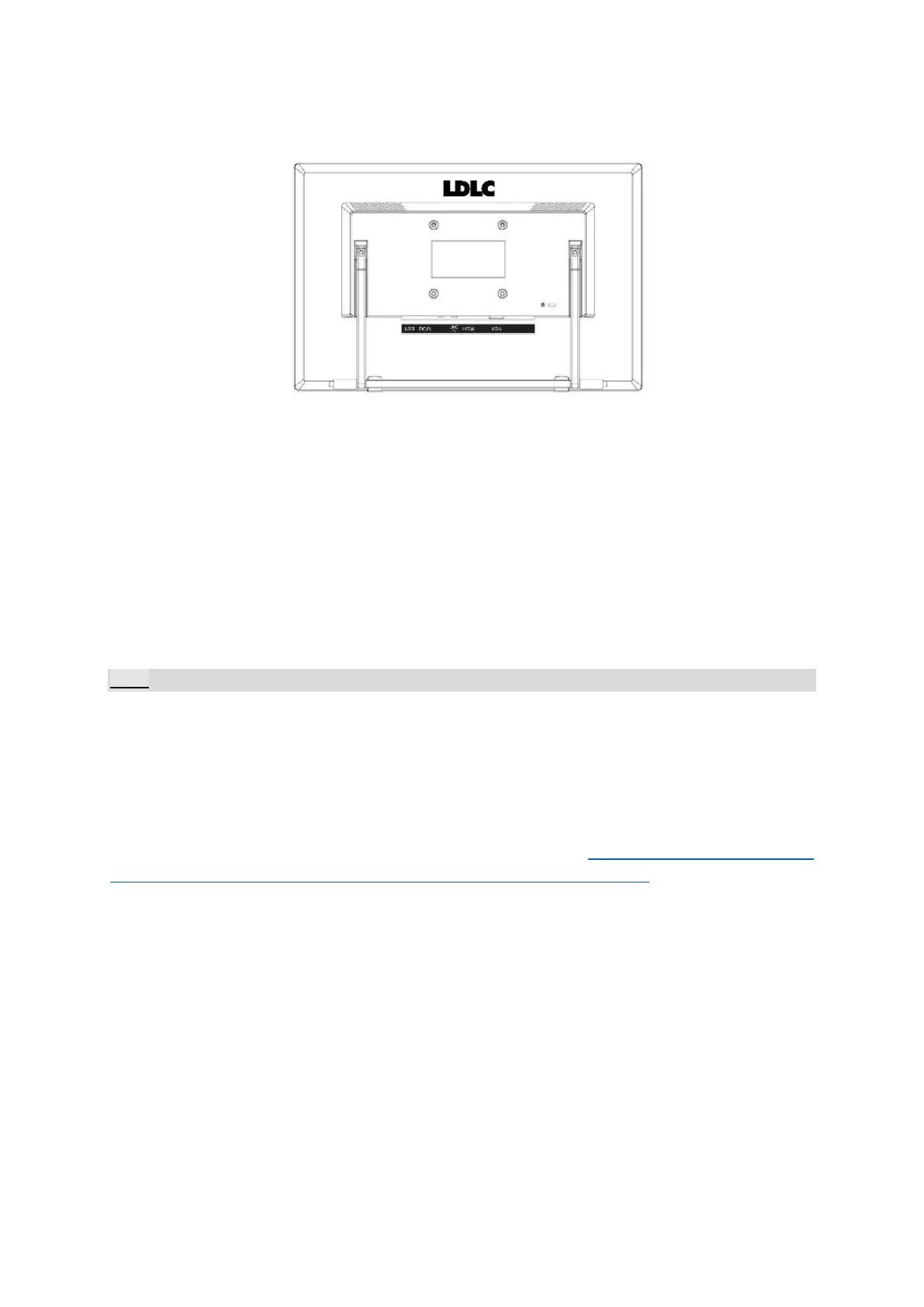
SETTING THE MONITOR ON THE WALL
5. It is recommended to purchase a wall bracket that suits your device dimensions
and weight. The wall support must also comply with the screen’s VESA norm:
VESA 75x75, 4 holes, M4, 8 mm, 8kg.
6. Locate your ideal Monitor position on the wall.
7. Fix the wall bracket firmly on the wall.
8. Secure the Monitor to the bracket using the 4 mount holes on the back and center
of the Monitor.
Note:
Be sure to follow carefully the wall mount’s instructions. It will indicate you the different stages,
step by step, and the screws to be used according to the wall for this installation.
If in any doubt for wall-mounting, please ask a specialist to install. Improper installation may
cause instability of this machine.
Please find a large selection of wall mounts on our website : http://www.ldlc.com/image-
son/meuble/support-mural-tv/c4354/+fi816-l32h32+fv630-4305.html


 To Next Page