EasyManua.ls Logo

LDLC Pro Touch15.6 - Error Messages and Solutions

LDLC Pro Touch15.6
Print Icon
To Next Page IconTo Next Page
To Previous Page IconTo Previous Page
Loading...
ERROR MESSAGES & POSSIBLE SOLUTIONS
CABLE NOT CONNECTED:
3. Check that the signal-cable is properly connected, if the connector is loose,
tighten the connector’s screws.
4. Check the signal-cable’s connection pins for damage.
INPUT NOT SUPPORT :
Your computer has been set to unsuitable display mode, set the computer to
display mode given in the following table.
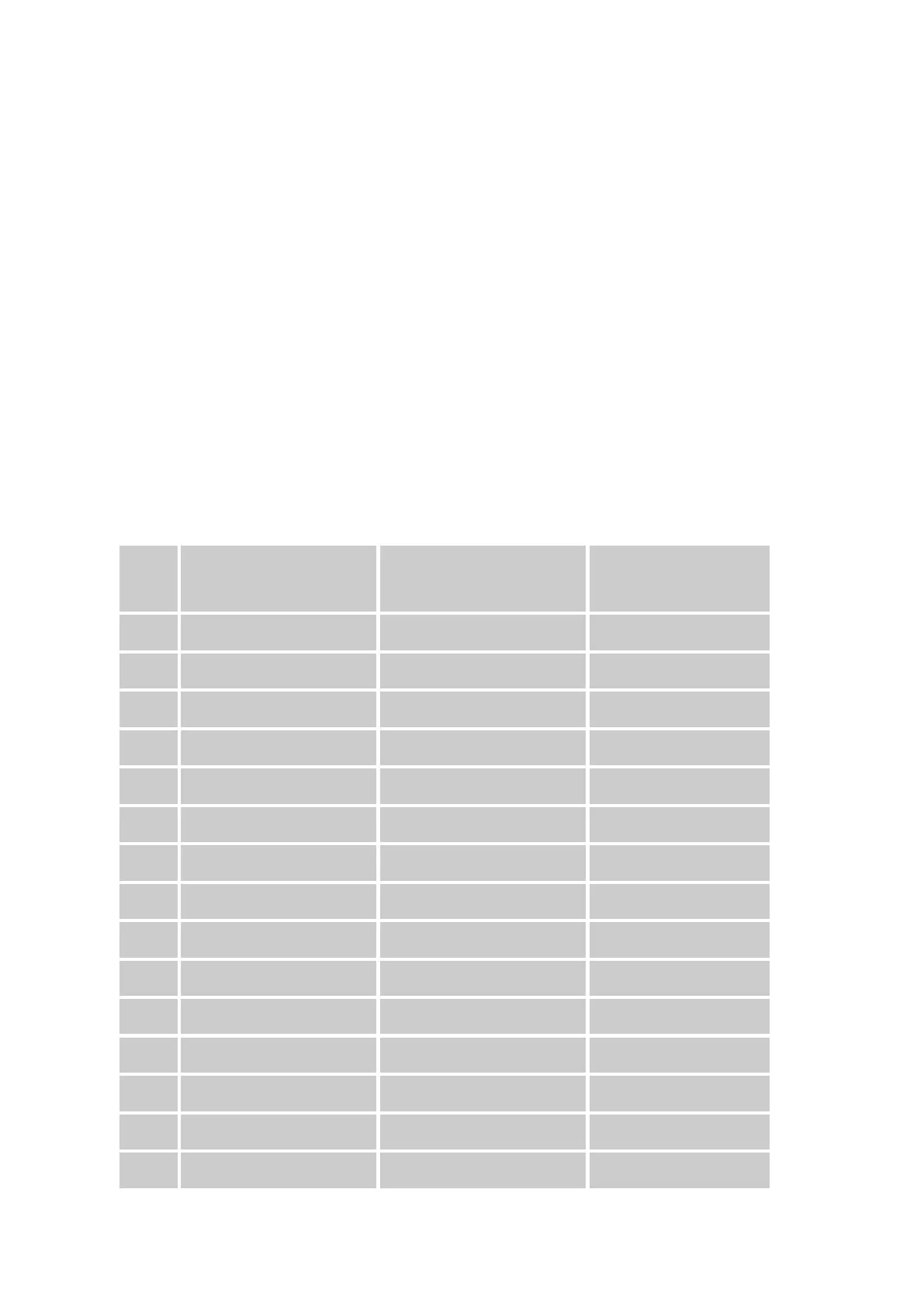
Resolutions and frame rates :
MODE
RESOLUTION
HORIZONTAL
FREQUENCY (KHz)
VERTICAL
FREQUENCY (Hz)
1
640×400 @70Hz
31.469
70.087
2
640×480 @60Hz
31.469
59.940
3
640×480 @70Hz
36.052
70.004
4
640×480 @67Hz
35.000
66.667
5
640×480 @72Hz
37.861
72.809
6
640×480 @75Hz
37.500
75.000
7
720×400 @70Hz
31.469
70.087
8
800×600 @56Hz
35.156
56.250
9
800×600 @60Hz
37.879
60.317
10
800×600 @72Hz
48.077
72.188
11
800×600 @75Hz
46.875
75.000
12
832×624 @75Hz
49.725
75.000
13
1024×768 @60Hz
48.363
60.004
14
1024×768 @70Hz
56.476
70.069
15
1024×768 @75Hz
60.023
75.029