Short press to take a photo
Press and hold for 3 seconds
to record
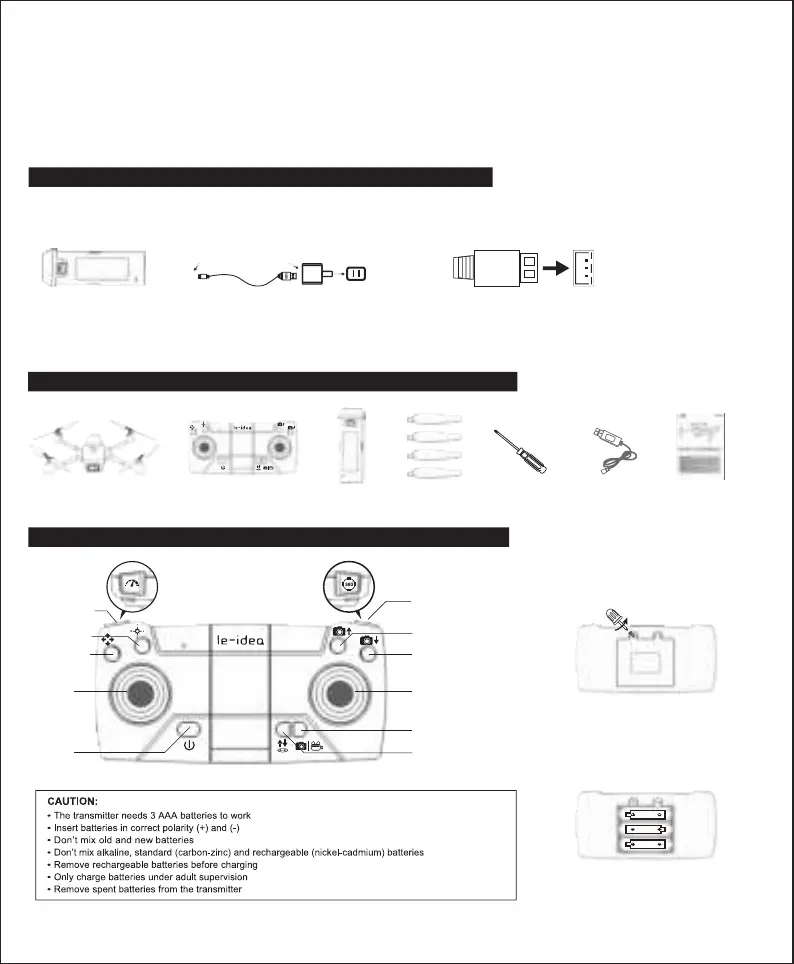
Fine-tuning key
(Press and hold)
One key take-off/landing
Headless mode
Speed regulation
Switch
Lens up
Roll
Lens down
Right joystick
Left joystick
AA 1.5V
AA 1.5V
AA 1.5V
BATTERY CHARGING METHOD:
Use carefully
When charging the rechargeable battery, do not use it for children alone, it must be carried out under the supervision of an adult, and it must be kept away
from flammable materials when charging.
Please do not short circuit or squeeze the battery to avoid explosion.
The power terminals should not be taken out of the model, and the terminals should not be short-circuited; do not short-circuit, disassemble, or throw the
battery into fire; do not place the battery in a high-temperature, heated place (such as in a fire or near an electric heating device).
The model can only use the recommended charger. Please regularly check whether the wires, plugs, shells and other parts of the charger are damaged. If
any damage is found, stop using it until the repair is complete.
The charger is not a toy; the charger should only be used indoors.
The battery after flight needs to be charged and then stored. If it is not used for a long time, it is recommended to charge the battery at least once every 3
months to avoid over-discharge of the battery which would cause permanent damage to the battery.
1. First, connect your USB cable to the drone battery, then connect it to your favorite charging source.
2. The red light is on when the battery is charging, and the green light is always on when the battery is fully charged. Battery charging time is approximately
120 minutes.
●
●
●
●
●
●
USB charging
cable
Drone’s battery
Adapter
(sold separately)
●Remove and put the battery in the correct way
●Non-rechargeable batteries cannot be charged
●The rechargeable battery can only be charged under the supervision of an adult
●Different types of batteries or old/new batteries cannot be mixed
●Only batteries of the same model or equivalent to the recommended model can be used
●Batteries are inserted with correct polarity
●The rechargeable battery should be removed from the drone
before charging
●Depleted batteries should be removed from the drone
●The power terminals must not be short-circuited.
PACKAGE LIST
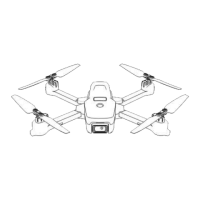
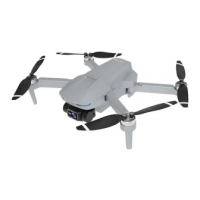
DRONE
Remote Control
Battery×2Propeller×4ScrewdriverUSBUser Manual
TRANSMITTER OVERVIEW
Open the battery cover
and insert 3 AAA batteries
as shown below (not included).
-2-


 To Next Page
 Loading...