12
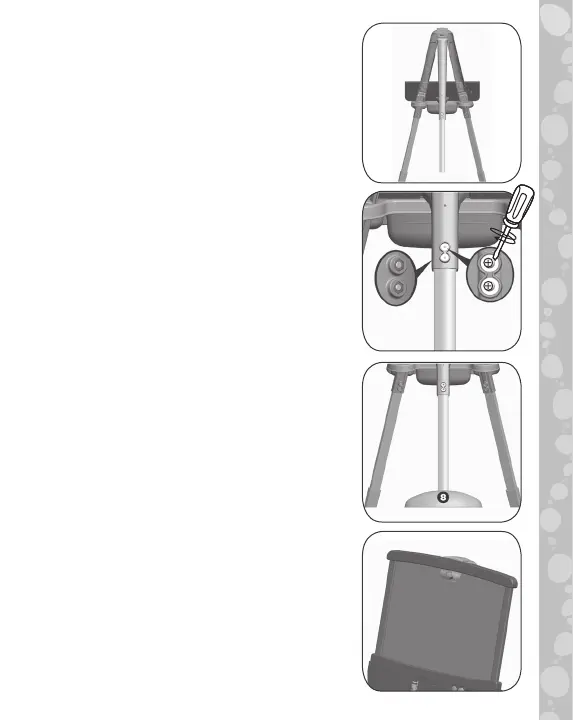
15. Fit Lower Rear Leg into the top of
A-Frame 1/2 with the curved side of
the leg facing up. Secure with two
Nuts and two Bolts, inserting the Nuts
from the top.
16. Secure the Lower Rear Leg to the
Upper Rear Leg 4 with two Nuts and
two Bolts.
17. Insert Lower Rear Leg into Rear Leg
Base 8.
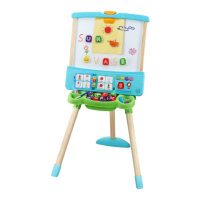
18. Slot the Whiteboard/Blackboard
onto the top of the Learning Panel.
Lower the Board Clip over the
Whiteboard/Blackboard.










 To Next Page