8
Programming MLC-1
(Single actuator, Single station)
Automatic Tab Adjustment to Last Setting:
When the accessory switch or ignition key switch (connected to keypad terminal #7) is
turned off, the tabs will automatically retract. When the accessory switch or ignition key
switch is turned back on, the tabs will adjust to the last know position before key switch
was turned off. You may enable this feature by adjusting program setting #1 to a value
showing LED R2 from the programming chart (see programming chart). Turning the main
power supply or battery selector switch to the off position will erase or reset the last tab
setting, so a new setting will be saved for the next trip.
Set Actuator Deployment Time:
Follow the programming chart below to program the MLC keypad to match the actuator
deployment time. Actuators that begin with part number or serial number “A or B” have
an 8 second deployment time. This is the default time and no programming is necessary.
Actuators that begin with “C or D” have a 4 second deployment time and must be
programmed to 4 seconds. Actuators that begin with “S” have a 6 second deployment
time and must be programmed to this.
Change LED Indicator Tracking:
The LED indicators are set to show the approximate tab angle and movement which is the
default setting. This setting may be changed to show what direction the port and
starboard side is moving. This setting can be changed by following the program chart
below and changing setting L3 to R2.
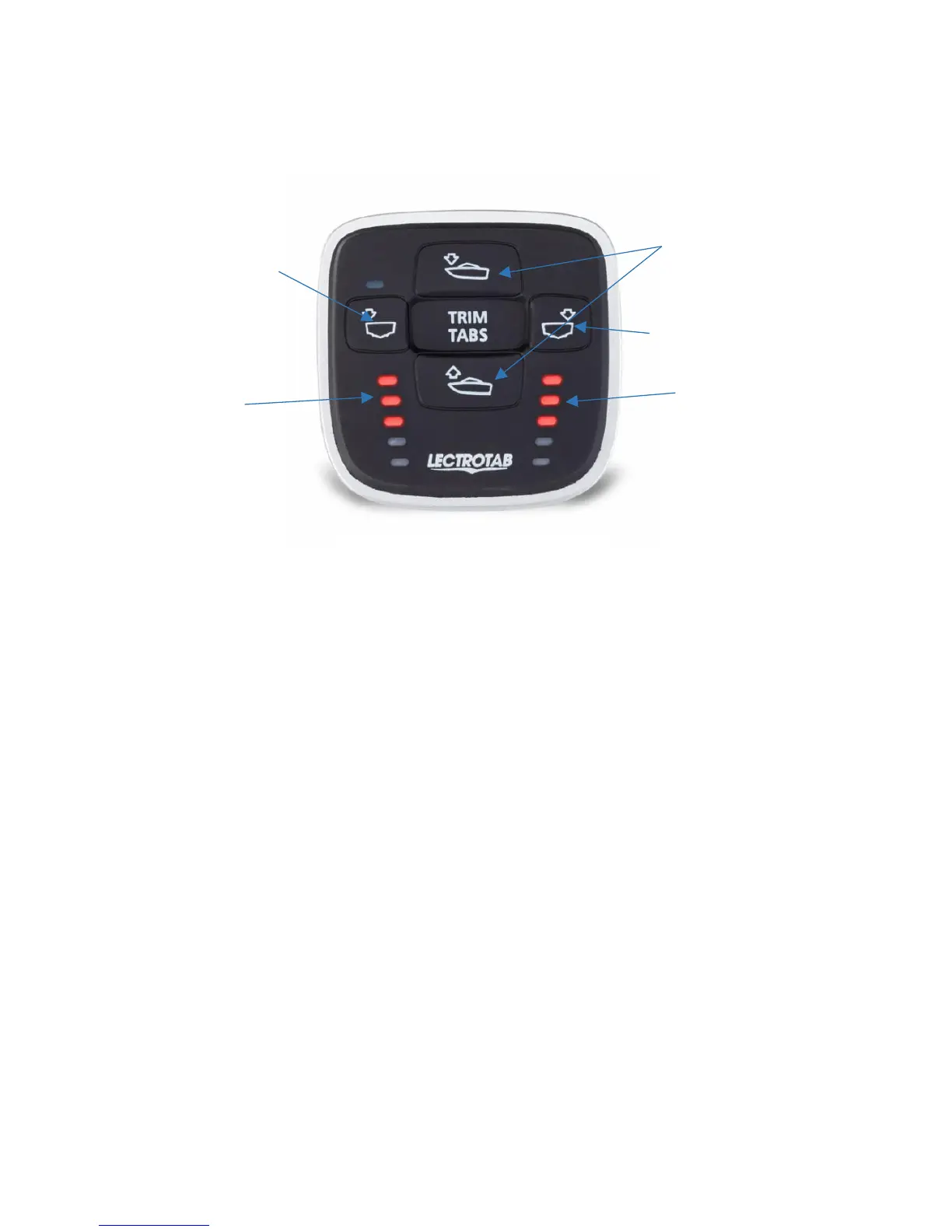
to adjust between “Settings”
L1=top left LED, L2=second
left LED down, L3=third left


 To Next Page
 Loading...