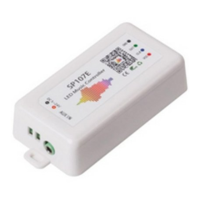
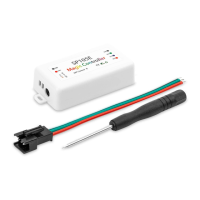
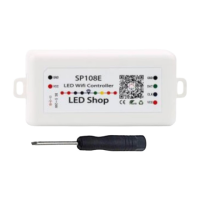
SP108E Digital WiFi Controller
App: LED Shop
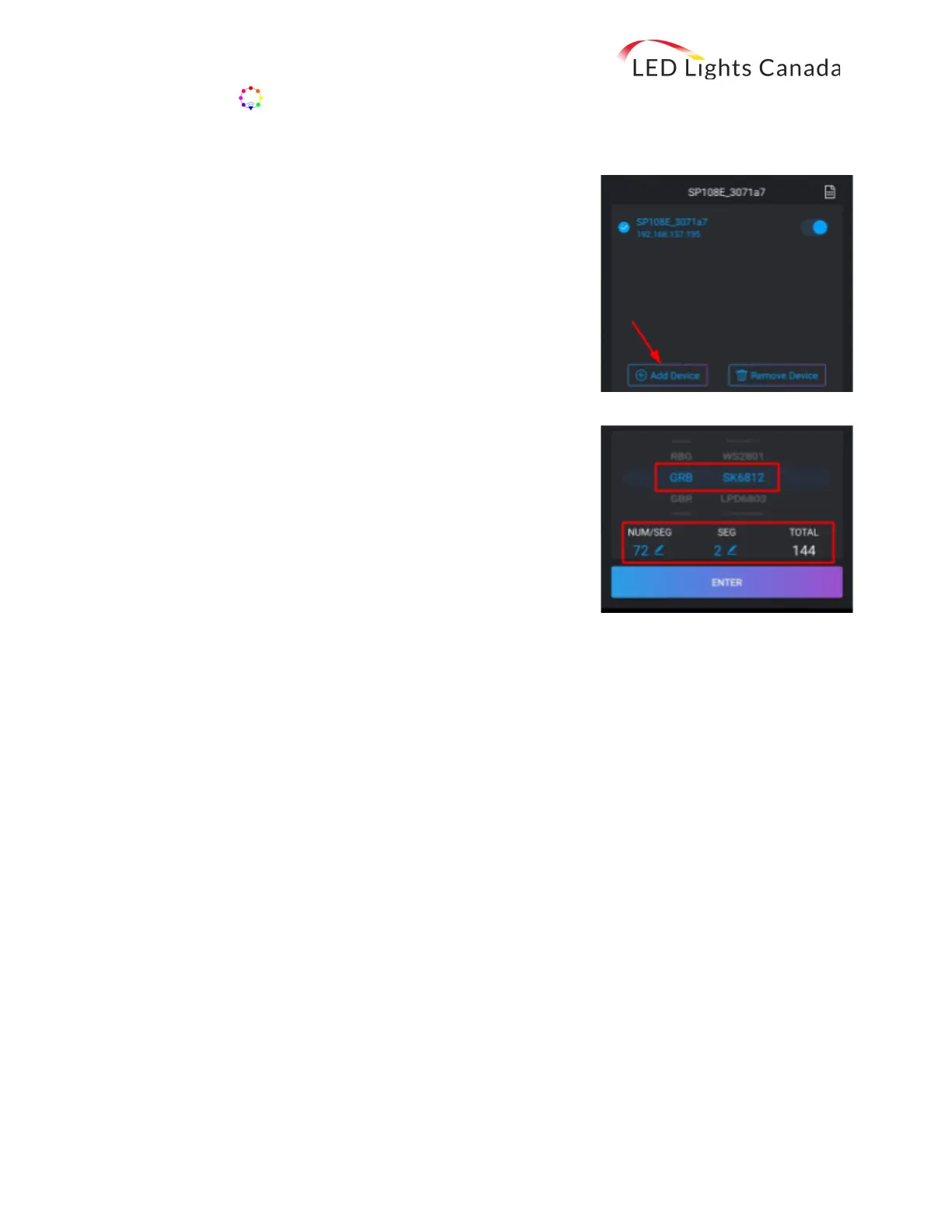
[B] With LAN connection mode, your controller and device share the same WiFi network.
1. Within the first 20 seconds of powering the controller, launch
the app and click Add Device. Enter the Wifi password and
press OK to confirm and wait for the configuration to end.
When successful, the controller will be displayed on the
device list.
2. The controller can now be selected (or removed) from the
network. If removed, the controller will switch to the AP
mode.
3.2. At the bottom of the screen, adjust the settings to RGB and
WS2811. Here, you can also set the number of segments (sections)
and pixels (diodes) per segment.
Note that the full roll has a total of 300 pixels.
3.3. Press Enter and enjoy your new LED digital flex strips!
If you have any questions, please feel free to contact us:
Toll free: 1-800-677-2698
Local: 780-800-0059
LED Lights Canada Toll Free: 1-800-677-2698
4404 97 St NW Local: 780-800-0059
Edmonton, AB T6E 5R9 2 Email: info@ledlightscanada.com


 To Previous Page