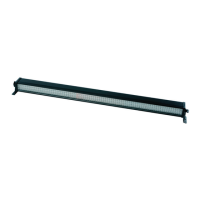
LEDJ Spectra Batten DMX Address Setting
Built-in programmes mode: (cont)
you can select the static color by using the “UP” and “DOWN” buttons. Press “SETUP” For a
second time, and it will show FS.00, you can then set the ash frequency by using the “UP”
and “DOWN” buttons, there is no speed function in this mode.
When it is set in PG05, press the “SETUP” button rst, and it will show C-.-1, then you can
select the moving colour by using the “UP” and “DOWN” buttons.
When it is set in PG06, press the “SETUP” button for the rst time, and it will show C1.-1 , then
you can select the background colour, then for the second time, it will show C2.-1 , you can now
select the moving colour by using the “UP” and “DOWN” buttons.
For example,
When the LCD display shows PG.01 , press the “SETUP” button for the rst time, and it will
show SP.99, you can now set the running speed for this programme. Then press the “SETUP”
button for a second time, and it will show FS.00, you can now select the ash frequency for it..
SP: Speed 00-99 (00 = slow, 99 = fast)
FS: Flash frequency from 00-99 (00 = slow, 99 = fast)
Auto run mode:
To access the Auto run mode, Press the “MODE” button until the LCD display shows AU.70, it
will now run through the built-in programmes automatically.
DMX mode:
To control the Spectra Batten individually via your DMX controller, press the “MODE” button untill
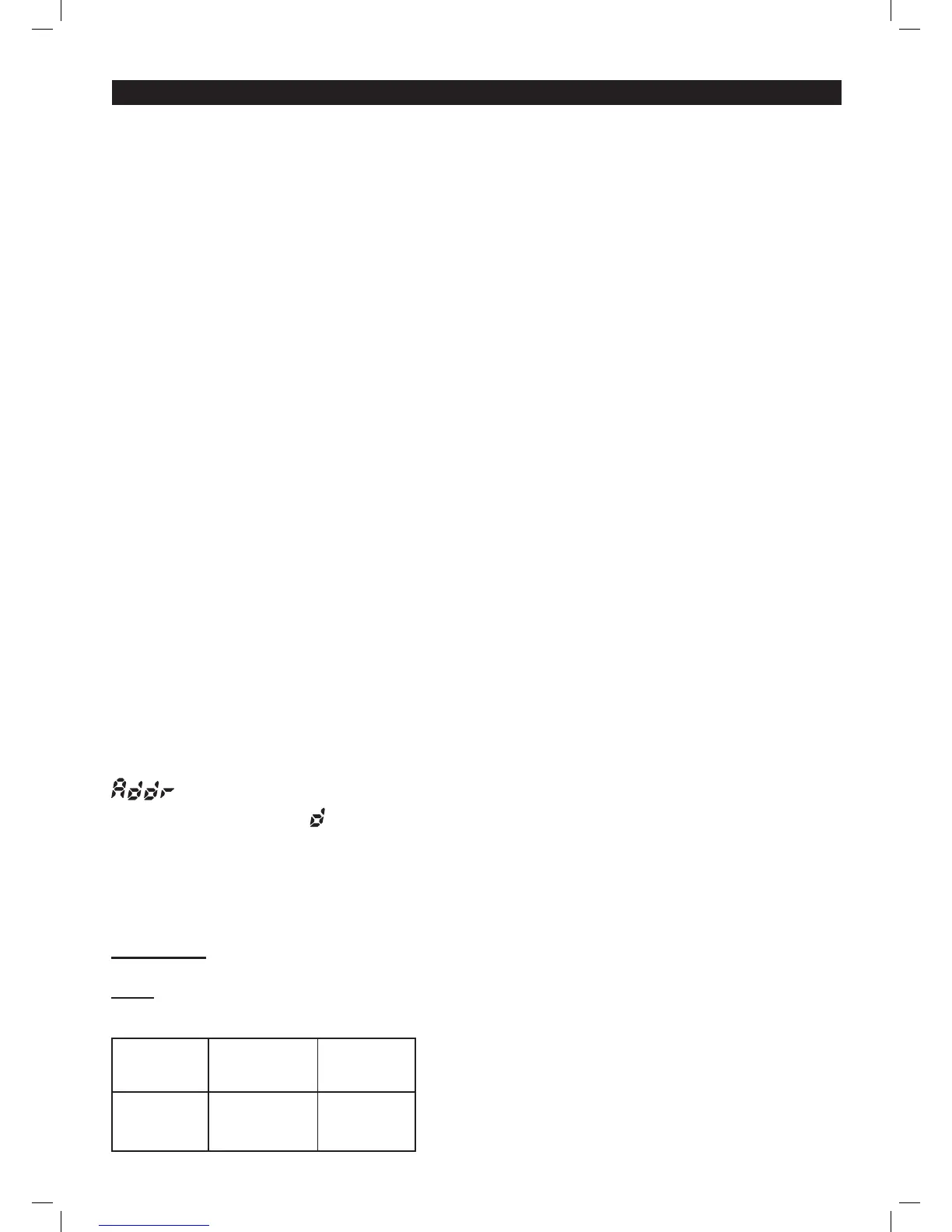
is shown on the LCD display, it is now in DMX mode. Now press the “SETUP” button
so the LCD display shows .001, this now means that the DMX address is set at 001. You can
select your DMX address by using the “UP” and “DOWN” buttons. If you press the “SETUP”
button the LCD display will show: 03.Ch., 09C.h. or P3C.h., this selects which DMX
mode the Spectra Batten is being run in. You can select any of these 3 DMX modes by using the
“UP” and “DOWN” buttons.
DMX Values
03CH
CH1
0 - 255
RED
CH2
0 - 255
GREEN
CH3
0 - 255
BLUE


 To Next Page
 Loading...