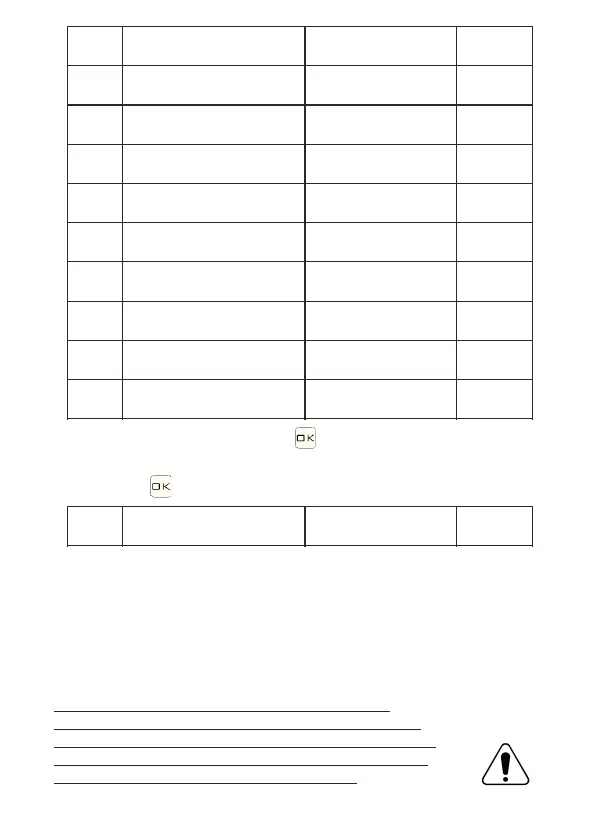
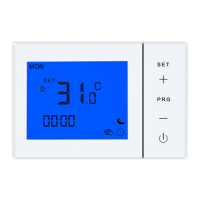
In power off state, long press for 3 ~ 5 seconds
access advanced setting B.
Short press to choose or change options
NO
A1
A2
A3
A4
A8
A6
A7
A5
Ao
BF
Options
Temperature Calibration
Start/Stop temp difference
Child lock
Ignition memory
Frost protection
Minimum temperature set
Maximum temperature set
Type of program
Restore factory settings
°C/°F
0: Partial
1: Total
0: as a last state
1: will leave it on
2: will turn off if turned on
Functions
-9 / +9°C
Default
-1°C
1°C
0
0
5°C
0
5°C
35°C
P1
1 5°C
~
5 10°C
1-10°C
20-70°C
P1: 5+2 P2: 6+1 P3: 7
Display A0
0:°C 1:°F
~
Sensor fault display: if the sensor is (damaged),
The LCD interface will display "E1" and the thermostat will
do stop heating until the fault is eliminated.
Read these instructions carefully. Failure to comply
it could damage the product or cause malfunctions.
1. Check the information provided to make sure
the products are suitable for the desired application.
2. Installation by qualified personnel is recommended.
3. After the installation is complete, check the correct
operation as indicated in these instructions


 To Next Page