EasyManua.ls Logo

LEECO Super4 X55 - User Manual

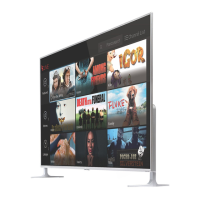
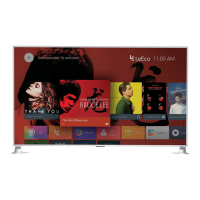
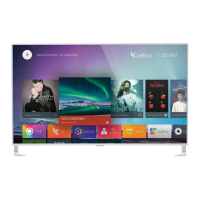
LEECO Super4 X55
29 pages
Print Icon
To Next Page IconTo Next Page
Loading...
Super4 X55 Product Quick Guide v1.0

Questions and Answers

  • M
    Mark RiveraAug 9, 2025
    What to do if my LEECO LED TV has no image or sound?
    • M
      Micheal RandolphAug 9, 2025
      If your LEECO LED TV shows no image or sound from TV, Video, or PC, ensure the signal cable is securely connected and the signal source unit is properly powered on. Also, verify that the TV is not in standby mode.
  • J
    James JacksonAug 18, 2025
    What causes stripe or thin hue image on LEECO LED TV?
    • S
      sean21Aug 18, 2025
      If your LEECO LED TV exhibits a stripe or thin hue image, check to ensure that the TV is not suffering interference from other devices. Keep the TV away from other devices which may cause interference.
  • K
    Kristina GuerreroAug 27, 2025
    How to fix poor image on LEECO LED TV when using video?
    • B
      bradley40Aug 28, 2025
      To resolve a poor image on your LEECO LED TV when using video input, check that the correct video signal mode is selected.

Summary

Safety Information

Installation Guide

Stand Installation

Instructions for installing the TV stand and required surrounding space.

Wall Mounting

Connecting Your TV

Standard Connections

Details on HDMI, ARC, MHL, AV, Optical Audio, and VGA connections.

Remote Set Up

Remote Pairing

Troubleshooting

After-sales Service Policy

Limit of Liability

Maintenance Card

Customer Service Support

Contact information and advice for obtaining customer service and support.

LEECO Super4 X55 Specifications

General IconGeneral
Screen Size55 inches
Resolution3840 x 2160 (4K UHD)
Display TypeLED
Smart TVYes
Refresh Rate60 Hz
HDMI Ports3
USB Ports2
Wi-FiYes
Audio Output20 W
ProcessorQuad-core
RAM3GB
Storage16GB
BluetoothYes
Operating SystemAndroid TV

Related product manuals