Need help?
Do you have a question about the Legacy Streamline and is the answer not in the manual?
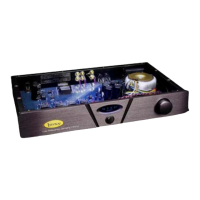
Controls audio level and channel balance. Rotation adjusts level, presses cycle balance modes.
Displays volume level in decibels. 00 is max gain, 99 is max attenuation.
Controls sound level. Volume up increases level, volume down decreases level.
Press this button to control the left or right levels.


 To Next Page
 General